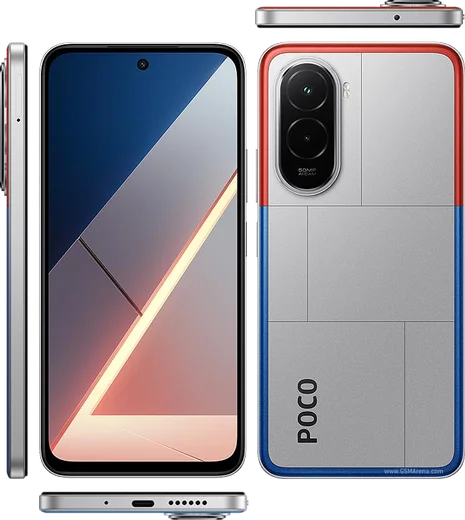
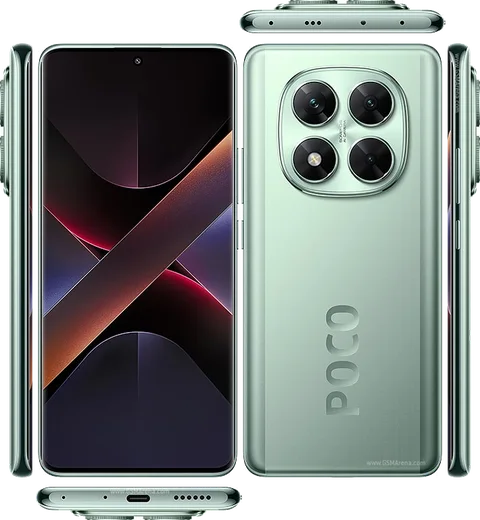
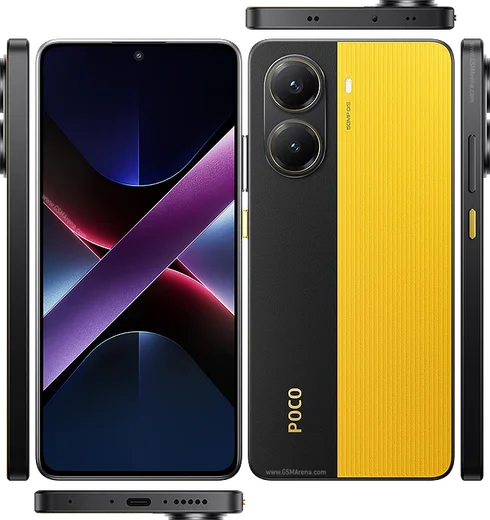
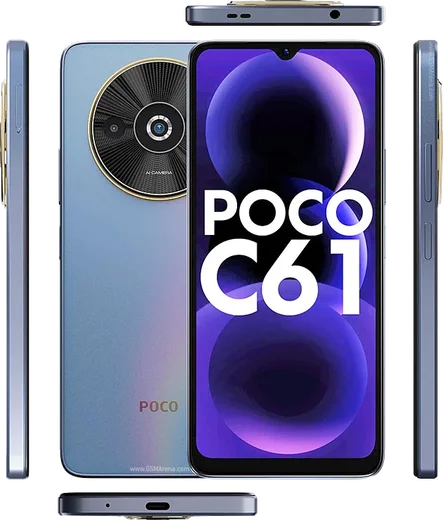
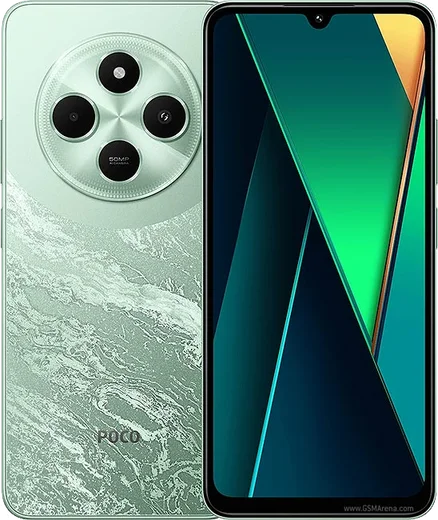
Poco Android

WhatsApp for Poco F7 Pro

Snapdragon 8 Gen 3, 6.67-inch 120Hz AMOLED

WhatsApp Messenger 4.7 · 64.2M reviews Free · Android · ~40 MB · by WhatsApp LLC
Download WhatsApp

Ask a question / report a problem

You can ask any question about WhatsApp support on the Poco F7 Pro — leave it below and we'll help.

Ask a question

Can the Poco F7 Pro run WhatsApp?

Fully supported
  • Operating systemAndroid
  • ProcessorSnapdragon 8 Gen 3
  • WhatsApp versionLatest supported

Latest known WhatsApp problems on Poco F7 Pro

1

WhatsApp photos and images aren't showing up in my Poco F7 Pro gallery

Open WhatsApp, go to Settings > Chats and turn on 'Media visibility' so new downloads appear in the gallery, then open an individual chat's info screen and enable media visibility there too. Next, make sure WhatsApp has storage access under Settings > Apps > Manage apps > WhatsApp > Permissions > Files and media (set to 'Allow management of all files'). If older images still don't appear, restart the phone so HyperOS rescans the media database, and check that a '.nomedia' file hasn't been placed in the WhatsApp Images folder by a file manager. See how others solved this on Reddit
2

WhatsApp notifications don't show up on my Poco F7 Pro until I open the app

Go to Settings > Apps > Manage apps > WhatsApp > Battery saver and set it to 'No restrictions', and on the same App info page enable 'Autostart' so WhatsApp can run in the background under HyperOS. Then confirm notifications are allowed in Settings > Notifications & Control Center > App notifications > WhatsApp. Finally, in WhatsApp's own Settings > Notifications make sure message notifications and high-priority notifications are enabled. See how others solved this on Reddit
3

WhatsApp notifications aren't appearing on my Poco F7 Pro lock screen

Go to Settings > Notifications & Control Center > App notifications > WhatsApp and enable lock screen notifications, choosing to show content rather than hide it. Then lock WhatsApp into recents (open the recents view, long-press its card, tap the lock icon) so HyperOS doesn't kill it in the background. Setting WhatsApp's Battery saver to 'No restrictions' and enabling Autostart also prevents notifications from being delayed until the screen is unlocked. See how others solved this on Reddit
4

WhatsApp voice messages or call audio sound bad or play through the wrong speaker on my Poco F7 Pro

First update WhatsApp from the Play Store, since audio routing bugs are often fixed in newer builds. Clear WhatsApp's cache via Settings > Apps > Manage apps > WhatsApp > Clear data > Clear cache, then check that the proximity sensor near the top of the screen isn't blocked by a screen protector, which can cause earpiece/speaker switching to misbehave. If voice notes record too quietly, confirm the Microphone permission is granted under WhatsApp > Permissions and disconnect any Bluetooth device that may be capturing the audio. See how others solved this on Reddit
5

WhatsApp keeps crashing on my Poco F7 Pro

Start by updating WhatsApp in the Play Store and clearing its cache under Settings > Apps > Manage apps > WhatsApp > Clear data > Clear cache (avoid 'Clear all data' unless your chats are backed up to Google Drive). If it still crashes on launch, uninstall and reinstall WhatsApp, then restore from your Google Drive backup during setup. Persistent crashes are often tied to a corrupt database or low free storage, so free up a few GB and reboot before reinstalling. See how others solved this on Reddit
6

WhatsApp camera filters and effects are missing or not working on my Poco F7 Pro

WhatsApp's in-app filters only appear when you open the camera from inside WhatsApp, so grant the Camera permission under Settings > Apps > Manage apps > WhatsApp > Permissions > Camera. Make sure WhatsApp is fully updated in the Play Store, since filter and effects features roll out gradually by app version. If filters still don't appear, clear WhatsApp's cache and restart the app; the HyperOS system camera's own filters won't carry into WhatsApp. See how others solved this on Reddit

Ask a question / report a problem

You can ask any question about WhatsApp support on the Poco F7 Pro — leave it below and we'll help.

Ask a question

Watch: setting up WhatsApp

Prefer to watch? This short walkthrough shows the whole installation and number-verification flow.

How to install WhatsApp on Poco F7 Pro — video walkthrough

How to install WhatsApp on Poco F7 Pro

1

Choose how to download

On your Poco F7 Pro you can get the official app two ways: from the Google Play Store — the easiest option, since it keeps WhatsApp updated automatically — or directly from the official website. You can download an APK file, by clicking a link “Download WhatsApp directly”.

2

Open WhatsApp

Launch WhatsApp from your home screen or app drawer and accept the Terms of Service to start setup.

3

Verify your phone number

Enter your phone number. If your Poco F7 Pro uses dual SIM, pick the line you want WhatsApp tied to, then enter the 6-digit code it sends by SMS — it usually fills in automatically.

4

Restore chats and finish setup

Restore your chat history from Google Drive (use the same Google account), add your name and photo, and tap Allow for notifications so messages and calls arrive reliably.

Stay safe: only ever install WhatsApp from the official Android source. The Download button above already points there — modified copies (GB/Plus/Aero WhatsApp) can get your number banned.

Comments (13)

No registration needed. No email required.
B
ben.eMay 13, 2026

everything working now 👌

C
confuuusedMar 2, 2026

Ngl installed whatsapp on my F7 Pro with no issues 😍

AppWhatsOfficialMar 6, 2026

Thanks, enjoy the app!

L
lina.hDec 7, 2025

Did this on my Poco F7 Pro and it just worked 👌

P
pete.dNov 6, 2025

Muy fácil, lo hice en 2 minutos gracias

L
lurkerNov 5, 2025

davvero finalmente whatsapp installato grazie

K
kai.gOct 16, 2025

No annoying ads which is nice

L
lina.dJun 26, 2025

Omg finally got whatsapp running on my f7pro

L
lucy23Jun 24, 2025

Well smooth install on the Poco F7 Pro

P
priya_rayMay 10, 2025

hey omggg i cant install it someone heeelp pls

AppWhatsOfficialMay 12, 2025

You are almost there! Tap Download, allow the install, open WhatsApp and confirm your number. Reply here if you get stuck.

C
coolcatApr 2, 2025

Quick q wont this give me a virus anyone

AppWhatsOfficialApr 3, 2025

Good question, yes, it is completely safe. The Download button takes you to the official app on the store, we never host modified versions. Hope that helps!

Y
yasinDec 25, 2024

سهل جداً بدون مشاكل

P
pablo0Dec 4, 2024

Ok so best guide for the f7pro by far

T
tan_jayOct 18, 2024

Even my grandma could do this