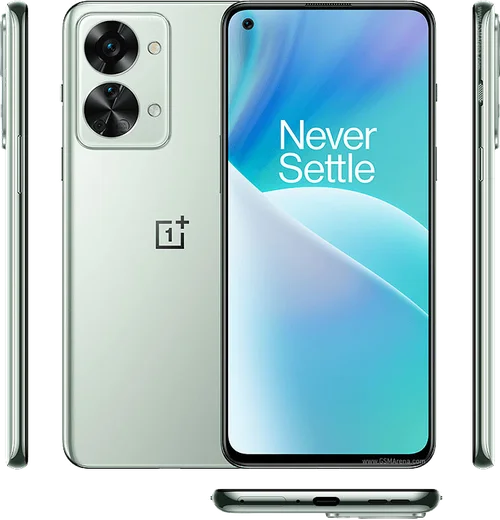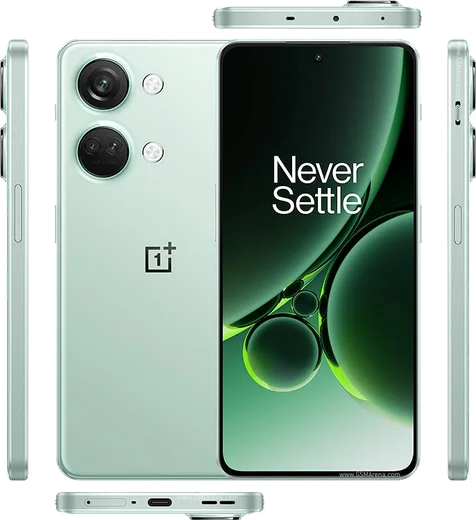
WhatsApp on Nord CE 3
OnePlus Android

WhatsApp for Nord CE 3

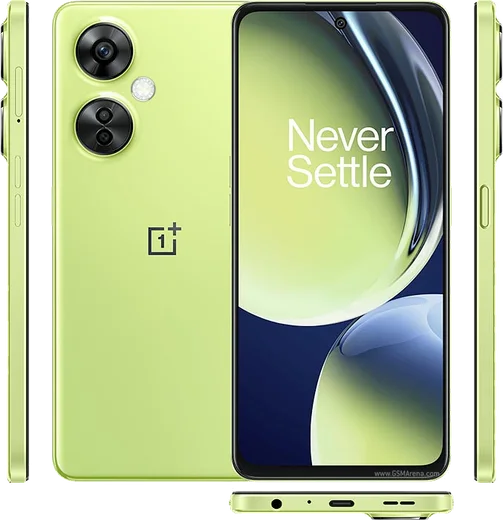
Snapdragon 782G, 6.7-inch 120Hz AMOLED, 80W charge

WhatsApp Messenger 4.7 · 64.2M reviews Free · Android · ~40 MB · by WhatsApp LLC
Download WhatsApp

Ask a question / report a problem

You can ask any question about WhatsApp support on the Nord CE 3 — leave it below and we'll help.

Ask a question

Can the Nord CE 3 run WhatsApp?

Fully supported
  • Operating systemAndroid
  • ProcessorSnapdragon 782G
  • WhatsApp versionLatest supported

Latest known WhatsApp problems on Nord CE 3

1

Why doesn't my OnePlus Nord CE 3 show WhatsApp notifications until I open the app?

OxygenOS aggressively sleeps background apps to save battery, which delays WhatsApp messages. Go to Settings > Battery > Battery optimization, find WhatsApp and set it to Don't optimize. Then open Settings > Apps & permissions > Auto-launch (sometimes under App management) and turn on Auto-launch for WhatsApp so it can start in the background. Finally, long-press WhatsApp in Recent apps and tap the lock icon so the system stops closing it. See how others solved this on Reddit
2

My OnePlus Nord CE 3 isn't giving me any WhatsApp notification sound or banner at all

First confirm notifications are switched on under Settings > Apps > WhatsApp > Notifications, then inside WhatsApp go to Settings > Notifications and check that Message and Group notifications have a sound and pop-up enabled. If it's still silent, turn off any Focus Mode or Zen/sleep schedule under Settings > Special features, since these mute alerts on a timer. See how others solved this on Reddit
3

WhatsApp calls and video calls don't ring or pop up on my OnePlus Nord CE 3

Call alerts need a separate permission on OxygenOS. Open Settings > Apps > WhatsApp > Notifications and make sure the Calls category is enabled with sound and pop-up on screen. Then grant Settings > Apps > Special app access > Display over other apps for WhatsApp so the full-screen call UI can appear. Also disable battery optimization for WhatsApp so the call service stays alive when the screen is off. See how others solved this on Reddit
4

WhatsApp keeps having general problems and acting up on my OnePlus Nord CE 3

Most lingering glitches clear up by updating WhatsApp through the Google Play Store and clearing its cache under Settings > Apps > WhatsApp > Storage usage > Clear cache (this does not delete your chats). If issues persist, back up your chats to Google Drive from WhatsApp's Settings > Chats > Chat backup, then uninstall and reinstall the app fresh from the Play Store. See how others solved this on Reddit
5

My WhatsApp notifications don't reach my OnePlus Watch when paired with my Nord CE 3

The watch only mirrors alerts the phone actually generates, so first confirm WhatsApp notifications are firing on the Nord CE 3 itself. Then open the OHealth (or Wear) app on the phone, go to its notification settings, and make sure WhatsApp is enabled in the allowed-apps list. Also keep the phone's Settings > Battery > Battery optimization for WhatsApp set to Don't optimize so alerts aren't suppressed before they sync to the watch. See how others solved this on Reddit

Ask a question / report a problem

You can ask any question about WhatsApp support on the Nord CE 3 — leave it below and we'll help.

Ask a question

Watch: setting up WhatsApp

Prefer to watch? This short walkthrough shows the whole installation and number-verification flow.

How to install WhatsApp on Nord CE 3 — video walkthrough

How to install WhatsApp on Nord CE 3

1

Choose how to download

On your Nord CE 3 you can get the official app two ways: from the Google Play Store — the easiest option, since it keeps WhatsApp updated automatically — or directly from the official website. You can download an APK file, by clicking a link “Download WhatsApp directly”.

2

Open WhatsApp

Launch WhatsApp from your home screen or app drawer and accept the Terms of Service to start setup.

3

Verify your phone number

Enter your phone number. If your Nord CE 3 uses dual SIM, pick the line you want WhatsApp tied to, then enter the 6-digit code it sends by SMS — it usually fills in automatically.

4

Restore chats and finish setup

Restore your chat history from Google Drive (use the same Google account), add your name and photo, and tap Allow for notifications so messages and calls arrive reliably.

Stay safe: only ever install WhatsApp from the official Android source. The Download button above already points there — modified copies (GB/Plus/Aero WhatsApp) can get your number banned.

Comments (13)

No registration needed. No email required.
B
bea.lJun 13, 2026

Perfect, exactly what i needed 💯

H
heeeelpMay 11, 2026

is the nord ce 3 compatible with whatsapp

AppWhatsOfficialMay 16, 2026

Good question, yes, WhatsApp supports the your phone. Just make sure your phone is on an up to date version of its operating system for the best experience. Reach out anytime.

L
lucy_denFeb 24, 2026

sorry but my phone is a few years old will it work anyone

AppWhatsOfficialFeb 27, 2026

Sure, it depends. WhatsApp drops support for very old systems over time. If the store still offers you the app, your phone is supported.

D
droiduserJan 19, 2026

quick q how do i do it without play store ?

AppWhatsOfficialJan 20, 2026

Sure, yes you can. Enable 'Install unknown apps' for your browser in Settings, then open the official APK. The steps above cover it. Glad to help.

E
ella.pNov 15, 2025

wow installato senza problemi 🙏

P
plz help meeNov 5, 2025

downloaded and installed on my nord ce 3 lol

H
helpmeOct 16, 2025

guys help meee i pressed everything and nothing 😭 :(

AppWhatsOfficialOct 18, 2025

No panic needed. The Download button takes you to the official app, then just install and verify your number. It is easier than it looks, promise.

Z
zoe_xXOct 14, 2025

update running whatsapp on my nordce3 like new

A
ahmed90Jul 18, 2025

أخيراً أفضل موقع، اشتغل من أول مرة

P
priya_rayJul 4, 2025

Por fin por fin pude instalar whatsapp

T
theo28Apr 8, 2025

whatsapp finally on my nord CE 3

B
bea.dOct 22, 2024

Tbh the Nord CE 3 guide was spot on cheers

A
amy92Oct 12, 2024

omg the download was a bit slow but it worked

AppWhatsOfficialOct 13, 2024

Thanks for the feedback!