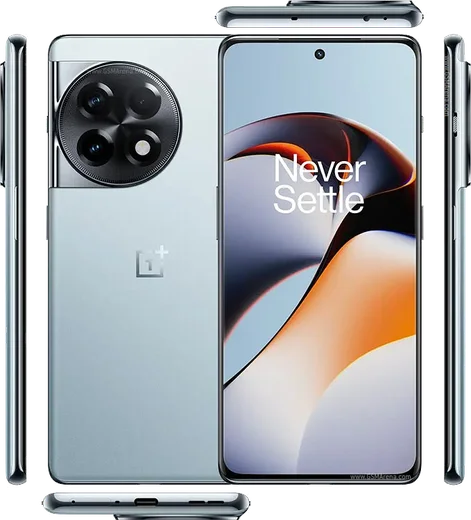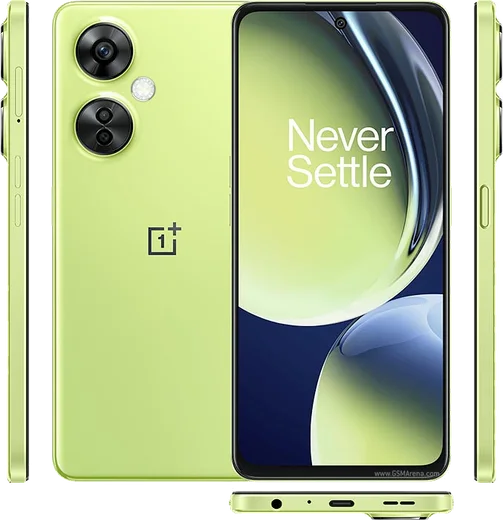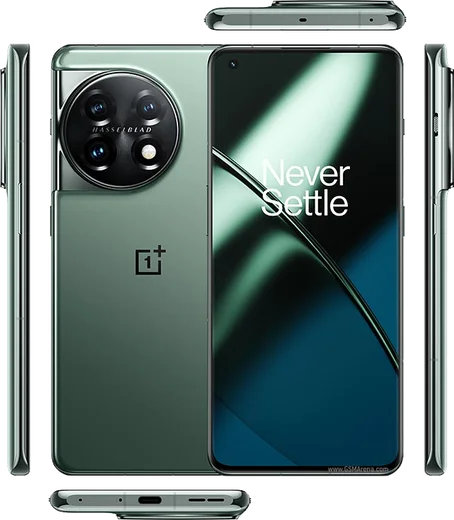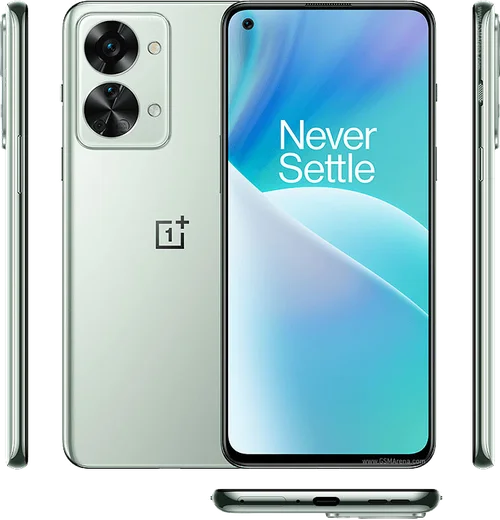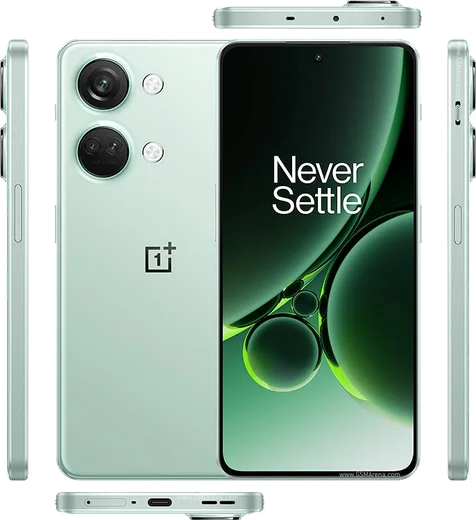
WhatsApp on OnePlus 11R
OnePlus Android

WhatsApp for OnePlus 11R

Snapdragon 8+ Gen 1, 6.74-inch 120Hz, 100W charge

WhatsApp Messenger 4.7 · 64.2M reviews Free · Android · ~40 MB · by WhatsApp LLC
Download WhatsApp

Ask a question / report a problem

You can ask any question about WhatsApp support on the OnePlus 11R — leave it below and we'll help.

Ask a question

Can the OnePlus 11R run WhatsApp?

Fully supported
  • Operating systemAndroid
  • ProcessorSnapdragon 8+ Gen 1
  • WhatsApp versionLatest supported

Latest known WhatsApp problems on OnePlus 11R

1

Why is the WhatsApp camera quality so bad on my OnePlus 11R?

WhatsApp uses its own in-app camera, which captures at a much lower resolution than the stock OxygenOS camera. For sharper results, tap the attach (paperclip) icon in a chat, choose Gallery instead of the camera, and select a photo you took with the native OnePlus camera app. You can also open Settings inside WhatsApp, go to Storage and data, and set Media upload quality to HD so shared photos and videos keep more detail. See how others solved this on Reddit
2

My photos come out blurry when I send them on WhatsApp from the OnePlus 11R, how do I fix it?

WhatsApp compresses images heavily by default, which is what causes the blur. The most reliable fix is to send the photo as a Document: tap the paperclip, choose Document, then browse to the image, and it transfers uncompressed at full quality. If you prefer normal sharing, enable HD under WhatsApp Settings > Storage and data > Media upload quality before sending. Sending from Gallery rather than the in-app camera also preserves more detail. See how others solved this on Reddit
3

WhatsApp is draining my OnePlus 11R battery fast after the OxygenOS 15 update, what can I do?

After OxygenOS 15, first clear WhatsApp's accumulated background data by going to Settings > Apps > WhatsApp > Storage and tapping Clear cache (not Clear data). Then open Settings > Battery > Battery usage to confirm WhatsApp is the culprit. If the drain continues, back up your chats in WhatsApp Settings > Chats > Chat backup to Google Drive, then uninstall and reinstall WhatsApp from the Play Store, which usually resets the runaway background activity introduced by the update. See how others solved this on Reddit
4

I'm having trouble sending WhatsApp voice messages on my OnePlus 11R, why won't they record or send?

Voice message failures on OnePlus devices are usually a microphone permission or background restriction issue. Go to Settings > Apps > WhatsApp > Permissions and confirm Microphone is allowed, then open Settings > Apps > WhatsApp > App battery usage and set it to Don't optimize so OxygenOS doesn't kill the recording in the background. If audios still get stuck mid-upload, clear the cache via Settings > Apps > WhatsApp > Storage. See how others solved this on Reddit
5

I'm not getting WhatsApp call notifications on my OnePlus 11R, how do I make calls ring?

Missed WhatsApp call alerts on OnePlus phones usually come from OxygenOS battery management closing the app in the background. Go to Settings > Apps > WhatsApp > App battery usage and choose Don't optimize, then in Settings > Battery turn off Sleep standby optimization. Finally, confirm the call notification channel is enabled under Settings > Apps > WhatsApp > Notifications, and that Call notifications are turned on inside WhatsApp Settings > Notifications. See how others solved this on Reddit
6

WhatsApp broke after the latest OxygenOS update on my OnePlus 11R, what should I do?

When a firmware update breaks WhatsApp functions like messaging or media, first force stop it via Settings > Apps > WhatsApp > Force stop, then clear its cache under Settings > Apps > WhatsApp > Storage. If problems remain, back up your chats in WhatsApp Settings > Chats > Chat backup to Google Drive, uninstall WhatsApp, and reinstall the latest version from the Play Store so it re-registers cleanly against the new OxygenOS build. See how others solved this on Reddit

Ask a question / report a problem

You can ask any question about WhatsApp support on the OnePlus 11R — leave it below and we'll help.

Ask a question

Watch: setting up WhatsApp

Prefer to watch? This short walkthrough shows the whole installation and number-verification flow.

How to install WhatsApp on OnePlus 11R — video walkthrough

How to install WhatsApp on OnePlus 11R

1

Choose how to download

On your OnePlus 11R you can get the official app two ways: from the Google Play Store — the easiest option, since it keeps WhatsApp updated automatically — or directly from the official website. You can download an APK file, by clicking a link “Download WhatsApp directly”.

2

Open WhatsApp

Launch WhatsApp from your home screen or app drawer and accept the Terms of Service to start setup.

3

Verify your phone number

Enter your phone number. If your OnePlus 11R uses dual SIM, pick the line you want WhatsApp tied to, then enter the 6-digit code it sends by SMS — it usually fills in automatically.

4

Restore chats and finish setup

Restore your chat history from Google Drive (use the same Google account), add your name and photo, and tap Allow for notifications so messages and calls arrive reliably.

Stay safe: only ever install WhatsApp from the official Android source. The Download button above already points there — modified copies (GB/Plus/Aero WhatsApp) can get your number banned.

Comments (14)

No registration needed. No email required.
N
noah.mFeb 23, 2026

honestly installed on my 11R, super simple ❤️

P
pablo99Dec 30, 2025

Hi verification keeps failing for me ?

AppWhatsOfficialJan 2, 2026

Hey there, if the SMS will not arrive, you can choose the call option to hear the code, just make sure your number is entered correctly. Happy chatting!

P
phoneaddictNov 17, 2025

finally im not techy and i still managed thx

M
mr_amyNov 3, 2025

por fin funcionó perfecto, gracias gracias

W
whatsappfanSep 14, 2025

hey anyone pls i cant download it heeeelp me

AppWhatsOfficialSep 15, 2025

Hey, no need to stress! Tap the green Download button at the top, follow the steps, and you will have WhatsApp in a minute.

L
layla57Jul 25, 2025

والله سهل جداً بدون مشاكل 🙏

A
anonJul 21, 2025

Hé installé sans souci 🎉

P
priya00Jun 30, 2025

finally downloaded and installed on my 11R

E
eeeeeemmmmmaaaaaJun 10, 2025

Ok so perfect steps for the oneplus 11r :)

M
marc_chrMar 11, 2025

no registration needed, love that

T
tom_kOct 29, 2024

got it working on my 11r first try

L
leo.bOct 11, 2024

Guys did this on my oneplus 11r and it just worked

X
xX_tomSep 19, 2024

This is the only one that worked for me cheers

M
mr_amySep 16, 2024

update the video helped me understand