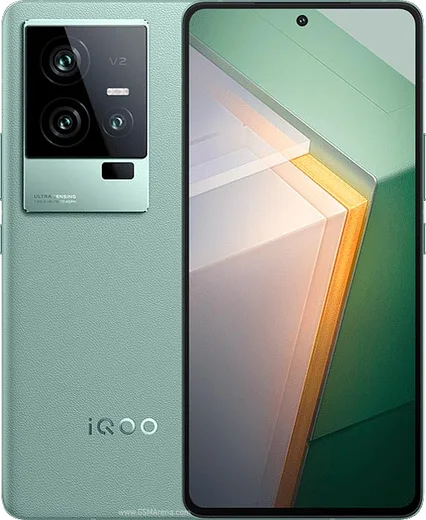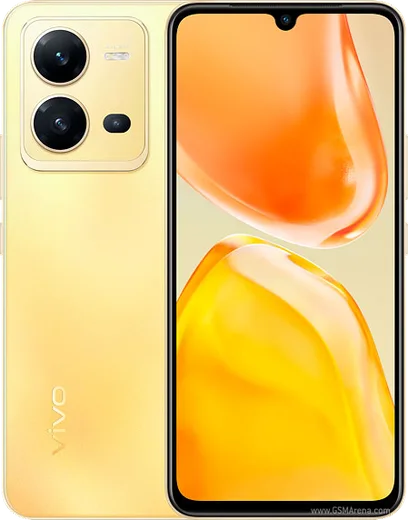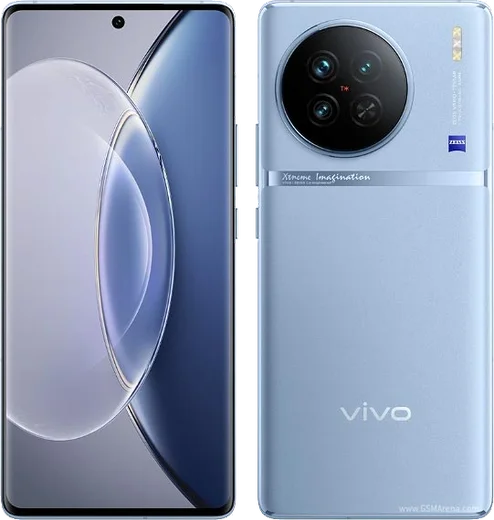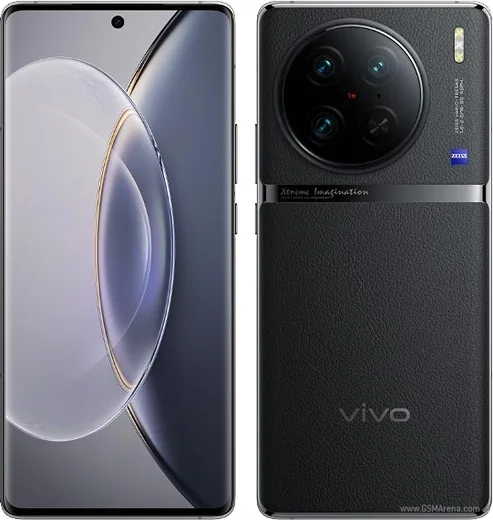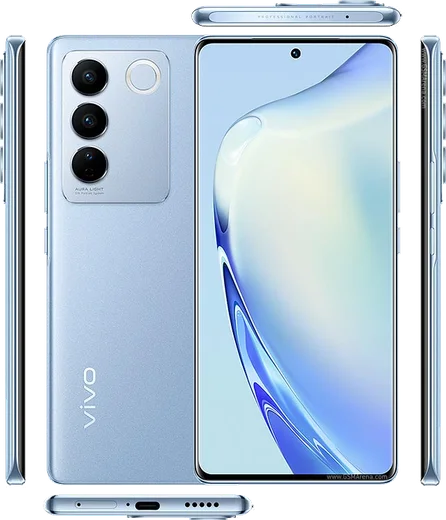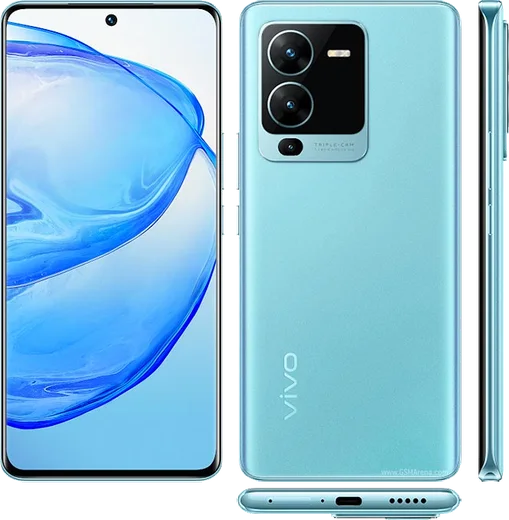
WhatsApp on Vivo iQOO 11
Vivo Android

WhatsApp for Vivo iQOO 11

Snapdragon 8 Gen 2, 6.78-inch 2K AMOLED, 144Hz gaming

WhatsApp Messenger 4.7 · 64.2M reviews Free · Android · ~40 MB · by WhatsApp LLC
Download WhatsApp

Ask a question / report a problem

You can ask any question about WhatsApp support on the Vivo iQOO 11 — leave it below and we'll help.

Ask a question

Can the Vivo iQOO 11 run WhatsApp?

Fully supported
  • Operating systemAndroid
  • ProcessorSnapdragon 8 Gen 2
  • WhatsApp versionLatest supported

Latest known WhatsApp problems on Vivo iQOO 11

1

Why are WhatsApp notifications delayed or not showing on my iQOO 11 with OriginOS?

OriginOS aggressively kills background apps to save battery, which silences WhatsApp until you reopen it. Go to Settings > Battery > High background power consumption and allow WhatsApp, then open Settings > Apps > Manage apps > WhatsApp > Battery (or Power consumption management) and set it to 'Allow background activity' / 'No restrictions' and enable Autostart. Also open the recent apps screen and lock WhatsApp's card (swipe down on it or tap the lock icon) so the system stops clearing it from memory. See how others solved this on Reddit
2

WhatsApp call notifications stopped showing on my iQOO 11 after an OriginOS update

OriginOS updates often reset background and notification permissions, so incoming WhatsApp calls no longer ring or pop up. Go to Settings > Apps > Manage apps > WhatsApp > Notifications, make sure the 'Calls' channel is enabled with 'Floating notifications' (banners) and lock-screen display on, then re-enable Autostart and background activity under Settings > Battery. In WhatsApp itself, open Settings > Notifications and re-confirm your call ringtone so the channel is rebound after the update. See how others solved this on Reddit
3

WhatsApp won't show on Origin Island on my iQOO 11

Origin Island only surfaces apps that have an active live notification, and OriginOS support for third-party messengers like WhatsApp has been inconsistent across builds, so it may not appear at all. First make sure WhatsApp notifications are allowed and not battery-restricted (Settings > Apps > Manage apps > WhatsApp), then check Settings > Origin Island / Dynamic Light for any toggle related to app notifications. If it still won't appear, update both OriginOS and WhatsApp to the latest versions, since some builds simply don't expose the island for third-party apps. See how others solved this on Reddit
4

How do I transfer my WhatsApp chats to my new iQOO 11?

The cleanest path is a Google Drive backup. On your old phone open WhatsApp > Settings > Chats > Chat backup and back up to your Google account, then install WhatsApp on the iQOO 11, verify the same phone number, and tap Restore when prompted. If you only have a local backup, copy the Databases folder from the old phone's WhatsApp storage (Android/media/com.whatsapp/WhatsApp/Databases) to the same path on the iQOO 11 before installing, and use the same number so WhatsApp detects the local backup during setup. See how others solved this on Reddit
5

WhatsApp says 'unable to restore your chats from this backup' on my iQOO 11

This almost always means the Google account or phone number doesn't match the one that made the backup, or the backup was made on a newer WhatsApp version than the one you're installing. Sign into the exact same Google account (Settings > Accounts and backup / Google), verify the same number, and install the latest WhatsApp from the Play Store before restoring. If it still fails, the Drive backup may be incomplete or corrupt, and a local backup (the WhatsApp/Databases folder copied to internal storage) is the only reliable fallback. See how others solved this on Reddit
6

How do I show WhatsApp message content in notifications and keep the app from being closed on my iQOO 11?

By default OriginOS hides message previews on the lock screen and clears locked apps from memory. Go to Settings > Notifications & status bar, open WhatsApp and enable 'Show content on lock screen' (and lock-screen notifications), then open the recent apps view and lock WhatsApp's card so the system won't kill it. Finally set WhatsApp to 'Allow background activity' under Settings > Apps > Manage apps > WhatsApp > Battery so previews keep arriving in real time. See how others solved this on Reddit

Ask a question / report a problem

You can ask any question about WhatsApp support on the Vivo iQOO 11 — leave it below and we'll help.

Ask a question

Watch: setting up WhatsApp

Prefer to watch? This short walkthrough shows the whole installation and number-verification flow.

How to install WhatsApp on Vivo iQOO 11 — video walkthrough

How to install WhatsApp on Vivo iQOO 11

1

Choose how to download

On your Vivo iQOO 11 you can get the official app two ways: from the Google Play Store — the easiest option, since it keeps WhatsApp updated automatically — or directly from the official website. You can download an APK file, by clicking a link “Download WhatsApp directly”.

2

Open WhatsApp

Launch WhatsApp from your home screen or app drawer and accept the Terms of Service to start setup.

3

Verify your phone number

Enter your phone number. If your Vivo iQOO 11 uses dual SIM, pick the line you want WhatsApp tied to, then enter the 6-digit code it sends by SMS — it usually fills in automatically.

4

Restore chats and finish setup

Restore your chat history from Google Drive (use the same Google account), add your name and photo, and tap Allow for notifications so messages and calls arrive reliably.

Stay safe: only ever install WhatsApp from the official Android source. The Download button above already points there — modified copies (GB/Plus/Aero WhatsApp) can get your number banned.

Comments (10)

No registration needed. No email required.
S
sam83Apr 25, 2026

Hi do i need to pay for the app anyone

AppWhatsOfficialApr 28, 2026

Sure, it is completely free. There is no fee for the app, only your usual data or wifi is used. Enjoy WhatsApp on your your phone!

V
val_xFeb 12, 2026

Hi do i need to pay for the app

AppWhatsOfficialFeb 14, 2026

Hi! No payment needed at all. WhatsApp is free, you just need an internet connection. Happy chatting!

T
techguyFeb 4, 2026

Someone whyyy is this so hard pls help me get whatsapp 😩

AppWhatsOfficialFeb 7, 2026

You are almost there! Tap Download, allow the install, open WhatsApp and confirm your number. You got this!

D
deni2000Oct 24, 2025

guys my vivo iqoo 11 was being difficult but this sorted it ❤️

J
jay21Sep 15, 2025

Super guide, ça a marché sur mon iqoo 11

J
just_rosaMay 5, 2025

ngl whatsapp works fine on my iqoo 11 thanks again

N
noobmasterMar 10, 2025

omg took me 5 min total 👍

I
im_samJan 30, 2025

wow installato senza problemi sul mio iQOO 11

T
tina_xJan 20, 2025

Pls help no play store on my phone, will this work thanks

AppWhatsOfficialJan 22, 2025

Of course, sure. Turn on unknown sources for your browser and grab the official APK, the guide explains how. Glad to help.

S
saaaaamNov 18, 2024

ngl running whatsapp on my iQOO 11 like new

AppWhatsOfficialNov 22, 2024

That is great to hear!