Vivo Android

WhatsApp for Vivo V40 Pro

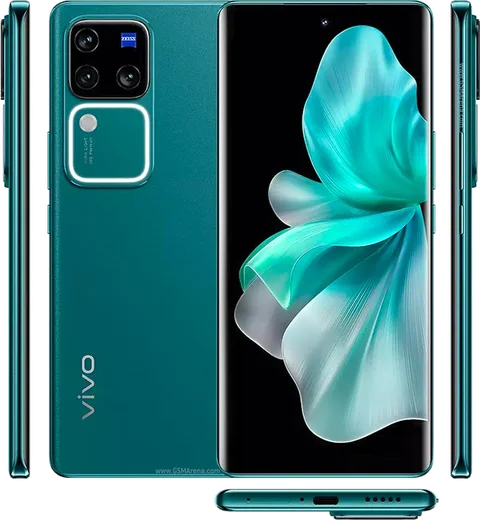
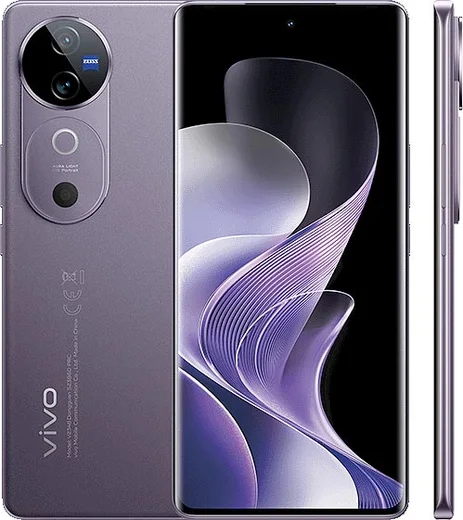
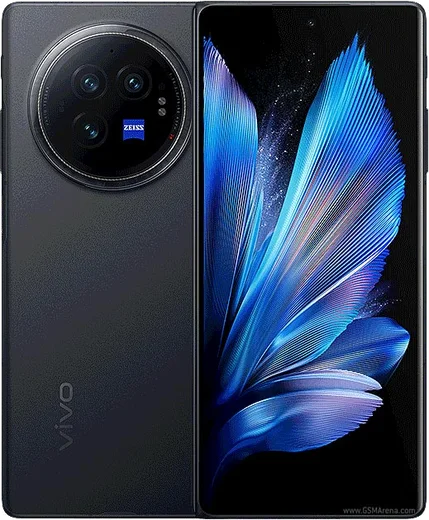
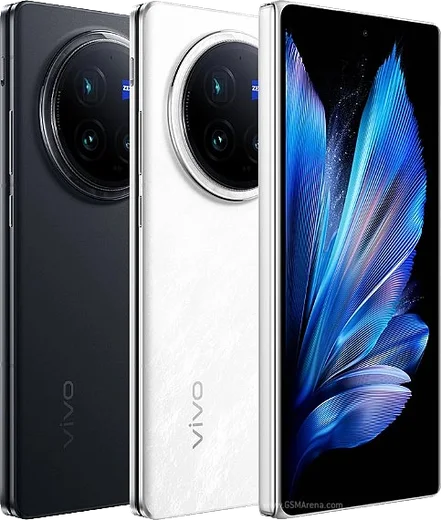
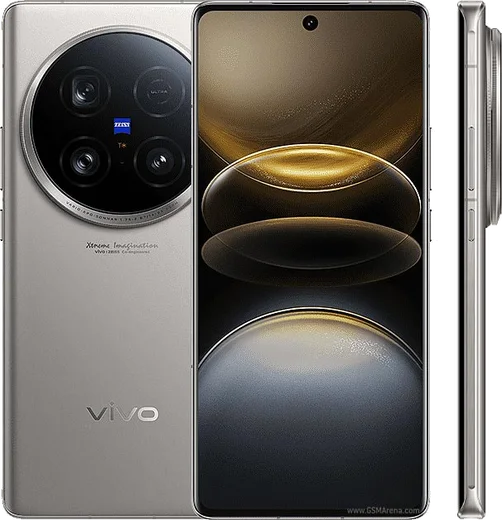
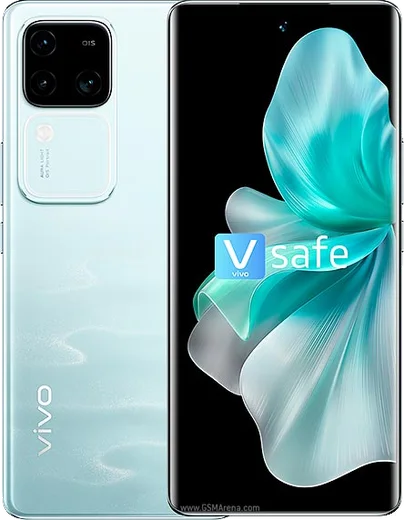
Dimensity 9200+, 6.78-inch curved AMOLED, Zeiss portrait cameras

WhatsApp Messenger 4.7 · 64.2M reviews Free · Android · ~40 MB · by WhatsApp LLC
Download WhatsApp

Ask a question / report a problem

You can ask any question about WhatsApp support on the Vivo V40 Pro — leave it below and we'll help.

Ask a question

Can the Vivo V40 Pro run WhatsApp?

Fully supported
  • Operating systemAndroid
  • ProcessorDimensity 9200+
  • WhatsApp versionLatest supported

Latest known WhatsApp problems on Vivo V40 Pro

1

Why are my WhatsApp notifications delayed or not showing on the Vivo V40 Pro?

OriginOS aggressively kills background apps to save battery, which holds back WhatsApp alerts. Open Settings > Apps > Auto-start management and enable auto-start for WhatsApp. Then go to Settings > Battery > High background power consumption and allow WhatsApp, and under Settings > Battery > Background power consumption management set WhatsApp to 'Allow'. Finally, lock WhatsApp in the recent-apps switcher (swipe down on its card or tap the lock icon) so the system stops clearing it. See how others solved this on Reddit
2

WhatsApp notifications only arrive when I open the app on my V40 Pro, how do I fix it?

This is OriginOS suspending WhatsApp in the background until you reopen it. In Settings > Apps > Auto-start management, enable auto-start for WhatsApp, and under Settings > Battery > Background power consumption management set WhatsApp to 'Allow'. Then confirm notifications are fully enabled in Settings > Notification & status bar > WhatsApp, including sound, vibration and lock-screen alerts. Disabling battery optimization for WhatsApp under Settings > Apps > Manage apps > WhatsApp > Battery also helps. See how others solved this on Reddit
3

WhatsApp isn't sending me the SMS verification code on my Vivo V40 Pro, what should I do?

First make sure the SIM has signal and can receive normal SMS, and double-check the country code and number are entered exactly right. On the verification screen, wait for the timer to run out and choose 'Call me' to receive the code by voice instead. Also check that no spam/harassment filter is blocking the WhatsApp number in your Messages app, and that the Messages app has SMS permissions before retrying. See how others solved this on Reddit
4

WhatsApp video calls keep failing or freezing on my V40 Pro, how can I get them working?

Video calls break when WhatsApp lacks camera/microphone permissions or gets restricted in the background under OriginOS. Open Settings > Apps > Manage apps > WhatsApp > Permissions and grant Camera and Microphone, then disable battery optimization for WhatsApp under Settings > Apps > Manage apps > WhatsApp > Battery so the connection isn't dropped mid-call. If it still stutters, switch between Wi-Fi and mobile data and clear WhatsApp's cache via Settings > Apps > Manage apps > WhatsApp > Storage > Clear cache. See how others solved this on Reddit
5

The other person can't hear me on WhatsApp calls or voice notes from my V40 Pro, what's wrong?

This is almost always a missing microphone permission or a background restriction. Go to Settings > Apps > Manage apps > WhatsApp > Permissions and turn on Microphone access, and make sure no other app (a recorder or assistant) is holding the mic. If it persists, clear WhatsApp's cache, test the mic in a normal phone call to rule out hardware, then reboot the phone to release the audio channel. See how others solved this on Reddit
6

How do I move my WhatsApp chats to my new Vivo V40 Pro without losing anything?

On your old Android phone open WhatsApp > Settings > Chats > Chat backup and back up to Google Drive using the same Google account you'll use on the V40 Pro. Then install WhatsApp from the Play Store on the V40 Pro, verify the same phone number, and tap Restore when prompted to pull the backup. If you're coming from an iPhone, use WhatsApp's official 'Move to Android' transfer flow with a USB-C cable, since iCloud backups can't restore directly on Android. See how others solved this on Reddit

Ask a question / report a problem

You can ask any question about WhatsApp support on the Vivo V40 Pro — leave it below and we'll help.

Ask a question

Watch: setting up WhatsApp

Prefer to watch? This short walkthrough shows the whole installation and number-verification flow.

How to install WhatsApp on Vivo V40 Pro — video walkthrough

How to install WhatsApp on Vivo V40 Pro

1

Choose how to download

On your Vivo V40 Pro you can get the official app two ways: from the Google Play Store — the easiest option, since it keeps WhatsApp updated automatically — or directly from the official website. You can download an APK file, by clicking a link “Download WhatsApp directly”.

2

Open WhatsApp

Launch WhatsApp from your home screen or app drawer and accept the Terms of Service to start setup.

3

Verify your phone number

Enter your phone number. If your Vivo V40 Pro uses dual SIM, pick the line you want WhatsApp tied to, then enter the 6-digit code it sends by SMS — it usually fills in automatically.

4

Restore chats and finish setup

Restore your chat history from Google Drive (use the same Google account), add your name and photo, and tap Allow for notifications so messages and calls arrive reliably.

Stay safe: only ever install WhatsApp from the official Android source. The Download button above already points there — modified copies (GB/Plus/Aero WhatsApp) can get your number banned.

Comments (13)

No registration needed. No email required.
R
rob26Jun 6, 2026

Tutto funziona, mille grazie

I
its_beaMay 28, 2026

Finally the download was a bit slow but it worked 🎉

O
oldschoolMay 4, 2026

omg whatsapp works fine on my v40pro lol

L
lucy_samMar 27, 2026

yo this is the only one that worked for me 👌

M
marc_xFeb 1, 2026

so my vivo v40 pro has whatsapp now thanks to this 💯

E
ella_xAug 17, 2025

the v40pro steps actually work unlike other sites thx

O
omar_99Jul 29, 2025

شكراً، صار عندي واتساب

T
theuserJun 11, 2025

ok so i was scared it was a virus but its the real app

J
jess4Feb 9, 2025

Sorry but how do i set my profile picture ?

AppWhatsOfficialFeb 15, 2025

Sure, in Settings tap your profile at the top, then the camera icon lets you pick or take a new picture. Glad to help.

O
omar_robJan 26, 2025

So whatsapp running great on my vivo v40 pro cheers

N
needwhatsappDec 28, 2024

davvero ha funzionato benissimo, grazie

M
ms_robNov 6, 2024

someone help meee i pressed everything and nothing pls

AppWhatsOfficialNov 7, 2024

Hey, no need to stress! Tap the green Download button at the top, follow the steps, and you will have WhatsApp in a minute.

K
kev88Sep 14, 2024

anyone? is the vivo v40 pro compatible with whatsapp

AppWhatsOfficialSep 17, 2024

No worries, yes, WhatsApp supports the your phone. Just make sure your phone is on an up to date version of its operating system for the best experience.