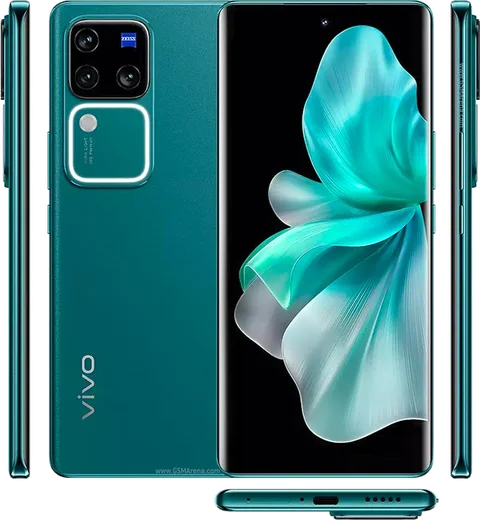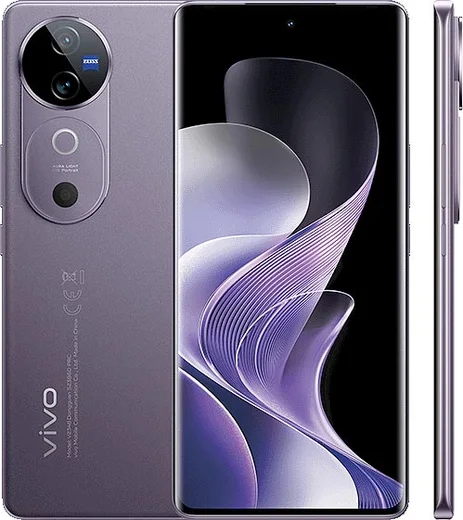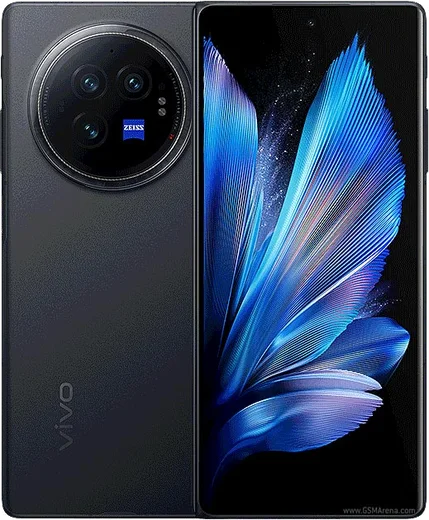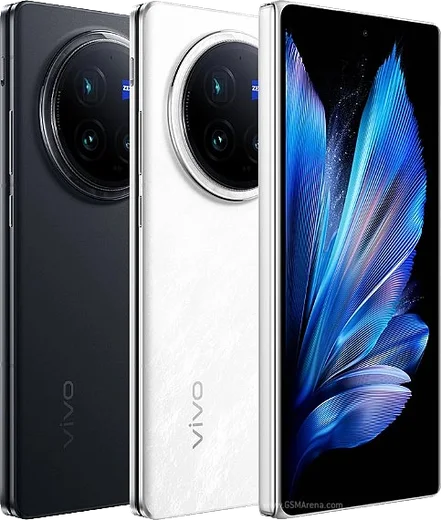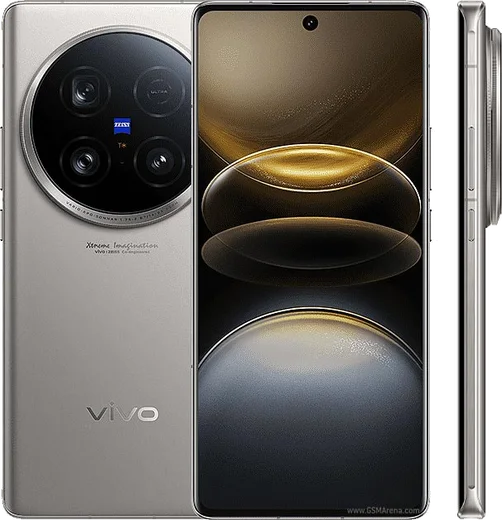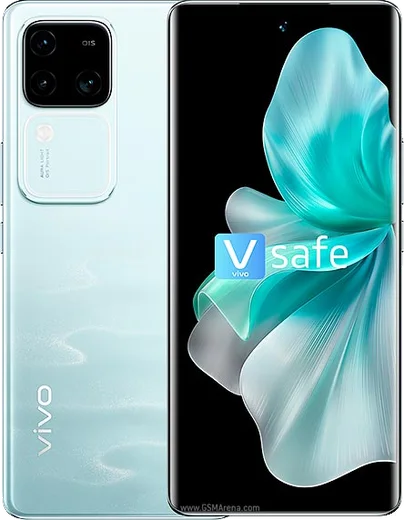
WhatsApp on Vivo V30 Pro
Vivo Android

WhatsApp for Vivo V30 Pro

Dimensity 8200, 6.78-inch AMOLED, Zeiss-tuned triple cameras

WhatsApp Messenger 4.7 · 64.2M reviews Free · Android · ~40 MB · by WhatsApp LLC
Download WhatsApp

Ask a question / report a problem

You can ask any question about WhatsApp support on the Vivo V30 Pro — leave it below and we'll help.

Ask a question

Can the Vivo V30 Pro run WhatsApp?

Fully supported
  • Operating systemAndroid
  • ProcessorDimensity 8200
  • WhatsApp versionLatest supported

Latest known WhatsApp problems on Vivo V30 Pro

1

WhatsApp notifications not showing on my Vivo V30 Pro until I open the app

Funtouch OS aggressively freezes background apps, which delays WhatsApp message alerts. Go to Settings > Battery > Background power consumption management, find WhatsApp and set it to 'Allow background activity' (do not let the system optimize it). Then open Settings > Apps > App manager > WhatsApp > Battery and choose 'Don't restrict'. Finally, in Settings > Notifications & status bar > WhatsApp, turn on 'Allow notifications' and 'Lock screen notifications'. See how others solved this on Reddit
2

Background apps including WhatsApp keep getting killed on my Vivo V30 Pro

By default Funtouch OS closes apps to save RAM, which stops WhatsApp from receiving messages while idle. Open Settings > Battery > Background power consumption management and set WhatsApp to allow background activity, then open the recent apps (multitasking) view, pull down on the WhatsApp card and tap the lock icon so it stays in memory. Also turn off Battery saver and any scheduled low-power modes under Settings > Battery. See how others solved this on Reddit
3

WhatsApp problems after the Funtouch OS 15 / Android 15 update on my Vivo V30 Pro

The OS 15 update often resets per-app battery and notification permissions, breaking WhatsApp delivery. After updating, re-enable notifications and background activity in Settings > Apps > App manager > WhatsApp, and re-grant Autostart in Settings > Apps > Permissions > Autostart (toggle WhatsApp on). If alerts are still missing, clear the cache via Settings > Apps > App manager > WhatsApp > Storage > Clear cache (not Clear data), then update WhatsApp to the latest version from the Play Store. See how others solved this on Reddit
4

WhatsApp media gallery is extremely slow to open on my Vivo V30 Pro

A large WhatsApp media folder forces the gallery to re-scan thousands of files, causing long load times. Open WhatsApp > Settings > Storage and data > Manage storage and delete large or forwarded files, then clear cache under Settings > Apps > App manager > WhatsApp > Storage > Clear cache (not Clear data). To keep the folder small going forward, turn off media auto-download in WhatsApp > Settings > Storage and data, and disable 'Media visibility' for chats you don't need saved to your gallery. See how others solved this on Reddit
5

Why is most of my Vivo V30 Pro RAM used up even when WhatsApp isn't open?

Funtouch OS pre-loads and caches apps like WhatsApp in RAM, so high usage is normal and actually helps messages arrive instantly. Avoid third-party RAM cleaners, since they force-close WhatsApp and cause delayed notifications; instead lock WhatsApp in the recent apps view so the system never kills it. If you genuinely want fewer apps held in memory, manage them under Settings > Memory and storage rather than killing WhatsApp manually. See how others solved this on Reddit
6

Issues with WhatsApp after upgrading my Vivo V30 Pro to Origin OS 6

Origin OS 6 reapplies battery restrictions that can mute WhatsApp calls and message alerts. Go to Settings > Battery > Background power consumption management and set WhatsApp to 'Allow background activity', then enable Autostart for WhatsApp under Settings > Apps > Permissions > Autostart. Finally re-check Settings > Notifications & status bar > WhatsApp and confirm 'Floating notifications' and 'Sound' are turned on after the upgrade. See how others solved this on Reddit

Ask a question / report a problem

You can ask any question about WhatsApp support on the Vivo V30 Pro — leave it below and we'll help.

Ask a question

Watch: setting up WhatsApp

Prefer to watch? This short walkthrough shows the whole installation and number-verification flow.

How to install WhatsApp on Vivo V30 Pro — video walkthrough

How to install WhatsApp on Vivo V30 Pro

1

Choose how to download

On your Vivo V30 Pro you can get the official app two ways: from the Google Play Store — the easiest option, since it keeps WhatsApp updated automatically — or directly from the official website. You can download an APK file, by clicking a link “Download WhatsApp directly”.

2

Open WhatsApp

Launch WhatsApp from your home screen or app drawer and accept the Terms of Service to start setup.

3

Verify your phone number

Enter your phone number. If your Vivo V30 Pro uses dual SIM, pick the line you want WhatsApp tied to, then enter the 6-digit code it sends by SMS — it usually fills in automatically.

4

Restore chats and finish setup

Restore your chat history from Google Drive (use the same Google account), add your name and photo, and tap Allow for notifications so messages and calls arrive reliably.

Stay safe: only ever install WhatsApp from the official Android source. The Download button above already points there — modified copies (GB/Plus/Aero WhatsApp) can get your number banned.

Comments (13)

No registration needed. No email required.
R
ray37Apr 7, 2026

wow running whatsapp on my Vivo V30 Pro like new 🎉

F
finn_proJan 23, 2026

Hi can i recover my chats anyone

AppWhatsOfficialJan 26, 2026

Of course, yes, as long as you had a backup. Use the same number and choose Restore during setup to bring your messages back.

N
noah2000Dec 30, 2025

Verification keeps failing for me

AppWhatsOfficialJan 5, 2026

Good question, make sure the number and country code are correct, then ask for a new code. A quick restart of the phone often helps too. Reach out anytime.

G
guest_userDec 3, 2025

update even my grandma could do this 🎉

AppWhatsOfficialDec 4, 2025

Love to hear it!

D
droiduserSep 19, 2025

Someone anyone pls i cant download it heeeelp me :(

AppWhatsOfficialSep 21, 2025

No panic needed. The Download button takes you to the official app, then just install and verify your number. Reply here if you get stuck.

M
mo76Apr 20, 2025

أخيراً أفضل شرح شكراً

N
newbieMar 6, 2025

clear and to the point cheers

V
val.rFeb 12, 2025

so worked perfect on my vivo v30 pro 😍

C
chris.nJan 24, 2025

grazie, il mio v30pro ora ha whatsapp

X
xX_samJan 20, 2025

Guys can i recover my chats pls

AppWhatsOfficialJan 25, 2025

Sure, if you made a backup before, sign in with the same number and tap Restore when asked. WhatsApp pulls your chats from the cloud backup. Let us know if you need anything else.

O
omar_proJan 4, 2025

omg had whatsapp on my vivo v30 pro in no time

K
kev_leoAug 13, 2024

Ey el mejor sitio, funcionó a la primera en mi v30 pro

A
amy92Jul 13, 2024

man couldnt be easier :)