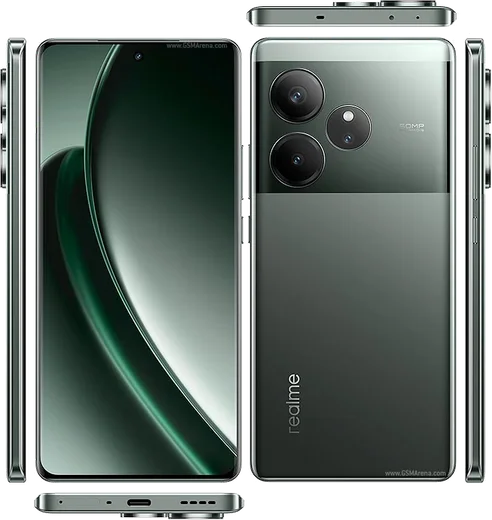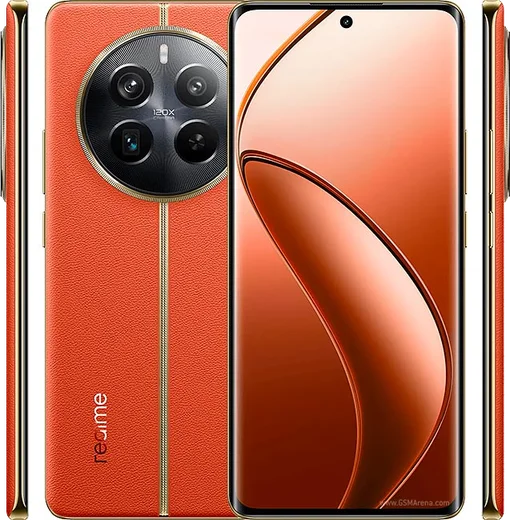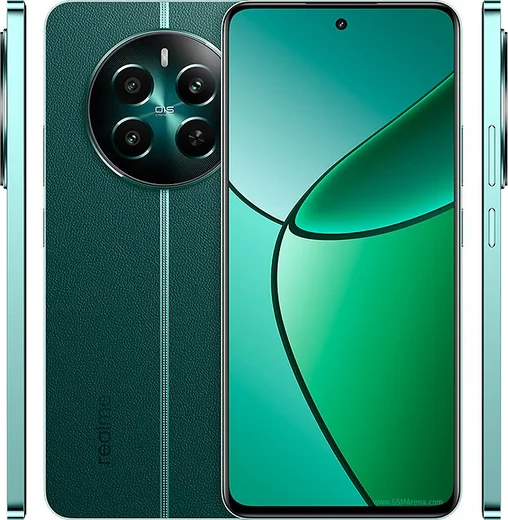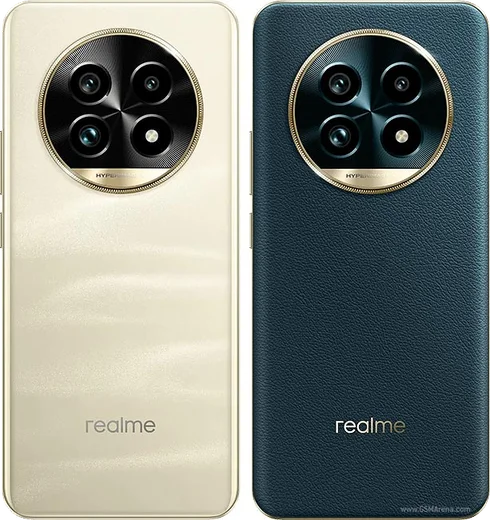
WhatsApp on Realme GT 6
Realme Android

WhatsApp for Realme GT 6

Snapdragon 8s Gen 3, 6.78-inch 6000-nit AMOLED 120Hz

WhatsApp Messenger 4.7 · 64.2M reviews Free · Android · ~40 MB · by WhatsApp LLC
Download WhatsApp

Ask a question / report a problem

You can ask any question about WhatsApp support on the Realme GT 6 — leave it below and we'll help.

Ask a question

Can the Realme GT 6 run WhatsApp?

Fully supported
  • Operating systemAndroid
  • ProcessorSnapdragon 8s Gen 3
  • WhatsApp versionLatest supported

Latest known WhatsApp problems on Realme GT 6

1

Why are my WhatsApp notifications delayed or not showing on the Realme GT 6?

This is the most common GT 6 complaint and it's caused by ColorOS/Realme UI aggressively killing background apps to save power. Go to Settings > Apps > App management > WhatsApp > Battery usage and select Allow background activity (turn off any background restriction), then under Settings > Battery, make sure battery optimization is not restricting WhatsApp. Finally, lock WhatsApp in the Recents screen by swiping down on its card and tapping the lock icon so ColorOS won't clear it from memory. See how others solved this on Reddit
2

WhatsApp notifications only arrive when I open the app on my Realme GT 6 - how do I fix it?

ColorOS puts WhatsApp into deep sleep, so messages only sync when you manually open it. Go to Settings > Battery, open the three-dot menu, find Sleep standby optimization and turn it OFF, and make sure WhatsApp is not in any deep-sleep or hibernating apps list. Also enable Auto-launch for WhatsApp under Settings > Apps > App management > WhatsApp so it can wake itself to receive pushes. See how others solved this on Reddit
3

WhatsApp camera and flashlight stopped working on my Realme GT 6 after the latest update - what should I do?

An in-app camera failure after a ColorOS update is usually a stale permission or cache issue rather than hardware. Go to Settings > Apps > App management > WhatsApp > Permissions and confirm Camera and Microphone are set to Allow, then clear WhatsApp's cache via Storage usage (this won't delete your chats). If the in-app camera still fails, update WhatsApp from the Play Store and reboot; as a workaround you can attach photos by opening your phone's main camera through the attachment (paperclip) menu instead. See how others solved this on Reddit
4

Is the Realme GT 6 battery and screen-on time really that bad?

Most GT 6 owners get strong battery life (often 8+ hours of screen-on time), so unusually high drain is typically one misbehaving app rather than the phone itself. Open Settings > Battery and check the usage breakdown to see if WhatsApp or another app is running excessively in the background, then turn off Allow background activity for any heavy offender. Keeping apps updated and disabling rarely-used features like persistent location sharing also helps. See how others solved this on Reddit
5

After the ColorOS/Realme UI update my Realme GT 6 still misses important messages - is there a system-level fix?

Realme has pushed firmware fixes for the notification bug (for example the 701-series update), so first check Settings > About device > Software update and install any pending version. If you're already current, re-add WhatsApp to the unrestricted battery list under Settings > Apps > App management > WhatsApp > Battery usage, since updates sometimes reset these settings. You can also toggle WhatsApp notifications off and back on under Settings > Notifications & status bar > Manage notifications to refresh them. See how others solved this on Reddit

Ask a question / report a problem

You can ask any question about WhatsApp support on the Realme GT 6 — leave it below and we'll help.

Ask a question

Watch: setting up WhatsApp

Prefer to watch? This short walkthrough shows the whole installation and number-verification flow.

How to install WhatsApp on Realme GT 6 — video walkthrough

How to install WhatsApp on Realme GT 6

1

Choose how to download

On your Realme GT 6 you can get the official app two ways: from the Google Play Store — the easiest option, since it keeps WhatsApp updated automatically — or directly from the official website. You can download an APK file, by clicking a link “Download WhatsApp directly”.

2

Open WhatsApp

Launch WhatsApp from your home screen or app drawer and accept the Terms of Service to start setup.

3

Verify your phone number

Enter your phone number. If your Realme GT 6 uses dual SIM, pick the line you want WhatsApp tied to, then enter the 6-digit code it sends by SMS — it usually fills in automatically.

4

Restore chats and finish setup

Restore your chat history from Google Drive (use the same Google account), add your name and photo, and tap Allow for notifications so messages and calls arrive reliably.

Stay safe: only ever install WhatsApp from the official Android source. The Download button above already points there — modified copies (GB/Plus/Aero WhatsApp) can get your number banned.

Comments (13)

No registration needed. No email required.
G
gabe33Jun 4, 2026

hi how do i do it without play store anyone

AppWhatsOfficialJun 9, 2026

No worries, yes you can. Enable 'Install unknown apps' for your browser in Settings, then open the official APK. The steps above cover it.

K
kev_officialApr 8, 2026

set up whatsapp on my dads realme gt 6 no problem 🎉

N
not_joeFeb 25, 2026

omg help meee i pressed everything and nothing 😭 😭😭

AppWhatsOfficialFeb 28, 2026

No panic needed. The Download button takes you to the official app, then just install and verify your number. Reply here if you get stuck.

J
jay.dJan 11, 2026

Update did this on my gt6 and it just worked 🔥

D
dan07Dec 15, 2025

Ngl whatsapp works fine on my gt6

O
omar_9996Jul 23, 2025

أفضل شرح

P
pete_ytJun 3, 2025

Wow i tried 3 other guides before this one

A
anonFeb 18, 2025

a marché parfaitement, merci

B
ben96Feb 11, 2025

so all good on my Realme GT 6 now

AppWhatsOfficialFeb 14, 2025

Love to hear it!

M
mike.hSep 24, 2024

my Realme GT 6 was being difficult but this sorted it

M
marc20Aug 25, 2024

Hey can i hide when i was last online thanks

AppWhatsOfficialAug 28, 2024

Good question, in Privacy settings you can set Last Seen and Online to Nobody, so no one sees when you are active.

H
heeeelpAug 15, 2024

ngl much better then the other sites

D
deni_petJul 18, 2024

Ey todo bien, mil gracias