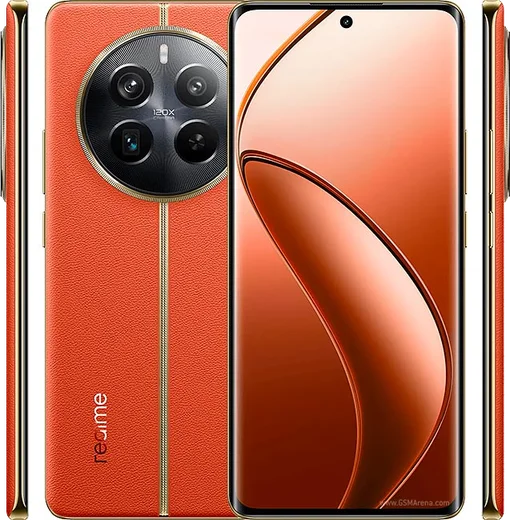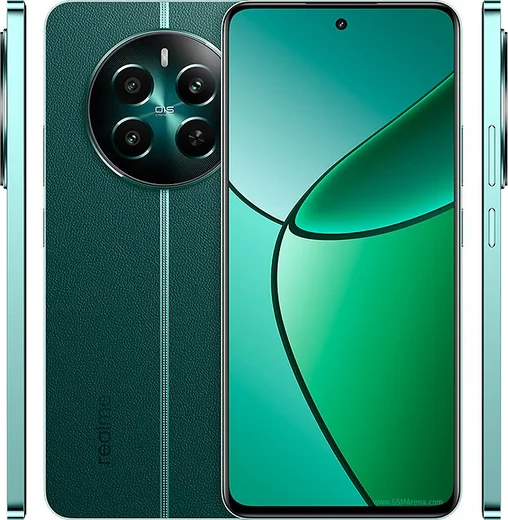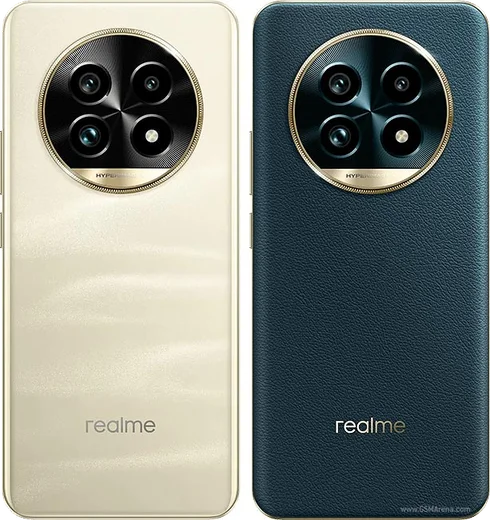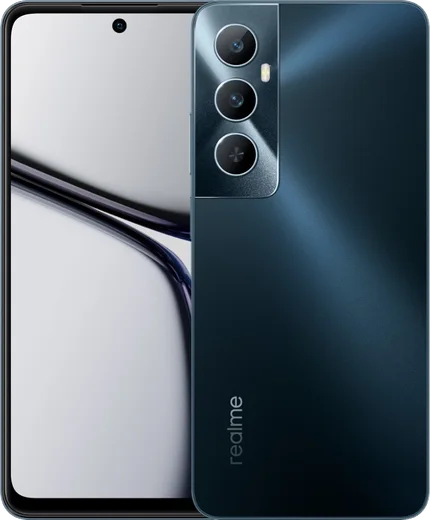
WhatsApp on Realme 12 Pro+
Realme Android

WhatsApp for Realme 12 Pro+

Snapdragon 7s Gen 2, 6.7-inch curved AMOLED, 64MP periscope

WhatsApp Messenger 4.7 · 64.2M reviews Free · Android · ~40 MB · by WhatsApp LLC
Download WhatsApp

Ask a question / report a problem

You can ask any question about WhatsApp support on the Realme 12 Pro+ — leave it below and we'll help.

Ask a question

Can the Realme 12 Pro+ run WhatsApp?

Fully supported
  • Operating systemAndroid
  • ProcessorSnapdragon 7s Gen 2
  • WhatsApp versionLatest supported

Latest known WhatsApp problems on Realme 12 Pro+

1

Why are my WhatsApp notifications delayed or not showing on the Realme 12 Pro+?

Realme's ColorOS aggressively freezes background apps to save battery, which silences WhatsApp alerts. Go to Settings > Battery > tap the gear/More icon > App Battery Management (or Settings > Apps > App management > WhatsApp > Battery usage), set WhatsApp to "Allow background activity" and turn off any "Optimize"/sleep option, then lock WhatsApp in Recent Apps by pulling its card down and tapping the lock icon so it isn't killed. Also confirm Settings > Notifications & status bar > WhatsApp > Allow notifications is on. See how others solved this on Reddit
2

WhatsApp keeps crashing on my Realme 12 Pro+ - how do I fix it?

Crashes are usually caused by a corrupted cache or an outdated build. First go to Settings > Apps > App management > WhatsApp > Storage usage and tap "Clear cache" (not Clear data, which deletes chats), then update WhatsApp from the Play Store. If it still crashes, back up your chats via WhatsApp > Settings > Chats > Chat backup to Google Drive, then uninstall and reinstall the latest version. See how others solved this on Reddit
3

Why is my video call and video message camera quality so poor in WhatsApp on the Realme 12 Pro+?

WhatsApp compresses video heavily and uses a low-resolution stream for live calls, so it never matches the native camera app. Make sure you are on Wi-Fi or strong 5G, and for sent videos set WhatsApp > Settings > Storage and data > Media upload quality to "HD" instead of "Standard". There is no setting that raises live video-call resolution itself - that limit comes from WhatsApp, not the Realme hardware. See how others solved this on Reddit
4

My WhatsApp photos aren't showing up in the Realme 12 Pro+ gallery - where did they go?

This happens when media visibility is off or WhatsApp lacks storage permission. In WhatsApp go to Settings > Chats and turn on "Media visibility", then check Settings > Apps > App management > WhatsApp > Permissions and grant "Photos and videos" / Files access. If images still don't appear in the Realme Photos app, reboot the phone so ColorOS rescans the WhatsApp Images folder and rebuilds the media index. See how others solved this on Reddit
5

Why is WhatsApp stuck at 60Hz and not using the 120Hz screen on my Realme 12 Pro+?

ColorOS caps the refresh rate of many apps to save power even when you pick a higher setting. Go to Settings > Display & brightness > Screen refresh rate and choose "High" (120Hz) instead of "Auto Select" to force the higher rate where supported. Note that WhatsApp's chat list and messaging screens are mostly static, so the system may still run them at a lower rate - this is normal behavior, not a panel fault. See how others solved this on Reddit
6

The Realme 12 Pro+ screen gives me eye strain at low brightness - can I reduce the flicker?

The Realme 12 Pro+ AMOLED uses PWM dimming that can cause eye strain for sensitive users at low brightness. Open Settings > Display & brightness, scroll to the flicker option ("Low brightness flicker-free" / DC-style anti-flicker mode where available) and turn it on, and enable Eye Comfort / Dark mode to cut blue light at night. Keeping brightness slightly above minimum rather than at the lowest level also reduces perceived flicker. See how others solved this on Reddit

Ask a question / report a problem

You can ask any question about WhatsApp support on the Realme 12 Pro+ — leave it below and we'll help.

Ask a question

Watch: setting up WhatsApp

Prefer to watch? This short walkthrough shows the whole installation and number-verification flow.

How to install WhatsApp on Realme 12 Pro+ — video walkthrough

How to install WhatsApp on Realme 12 Pro+

1

Choose how to download

On your Realme 12 Pro+ you can get the official app two ways: from the Google Play Store — the easiest option, since it keeps WhatsApp updated automatically — or directly from the official website. You can download an APK file, by clicking a link “Download WhatsApp directly”.

2

Open WhatsApp

Launch WhatsApp from your home screen or app drawer and accept the Terms of Service to start setup.

3

Verify your phone number

Enter your phone number. If your Realme 12 Pro+ uses dual SIM, pick the line you want WhatsApp tied to, then enter the 6-digit code it sends by SMS — it usually fills in automatically.

4

Restore chats and finish setup

Restore your chat history from Google Drive (use the same Google account), add your name and photo, and tap Allow for notifications so messages and calls arrive reliably.

Stay safe: only ever install WhatsApp from the official Android source. The Download button above already points there — modified copies (GB/Plus/Aero WhatsApp) can get your number banned.

Comments (14)

No registration needed. No email required.
A
andy16May 23, 2026

Sorry but the app crashes every time i open it thanks

AppWhatsOfficialMay 26, 2026

Happy to help, try clearing the cache and updating your phone software, then install the latest version again. That usually stops the crashing.

T
techguyMar 21, 2026

Wow did it on my 12 Pro+ in like 2 minutes 🙏

T
tom.fMar 16, 2026

hi does whatsapp support the Realme 12 Pro+

AppWhatsOfficialMar 22, 2026

Of course, the your phone works great with WhatsApp. Keep your system software current and you are good to go. Let us know if you need anything else.

B
bea07Mar 5, 2026

My whole family is waiting pls help me install it 😩

AppWhatsOfficialMar 6, 2026

Don't worry, you can do this! Use the Download button, install the app, and enter your number to verify.

N
nourDec 24, 2025

أخيراً أخيراً ثبّت واتساب شكراً

L
lina_miaJul 18, 2025

omg this worked great on my Realme 12 Pro+

I
im_nickJul 14, 2025

yo whatsapp is working on my 12pro+ now thanks again

AppWhatsOfficialJul 18, 2025

Happy it helped you!

L
lou61Jun 27, 2025

Guys cheers for the clear instructions

J
justmeMay 16, 2025

wow il miglior sito, al primo colpo 😍

M
mr_kateApr 12, 2025

finally this worked great on my 12 pro+

H
helpmeMar 26, 2025

update simple and fast

B
bea_solNov 7, 2024

echt ohne probleme installiert

D
dan_ytNov 1, 2024

Guys my contacts are not showing up in whatsapp pls

AppWhatsOfficialNov 4, 2024

Sure, contacts come from your phone address book. Save them with the country code and refresh the app to see them.

K
kai07Jul 23, 2024

10 out of 10