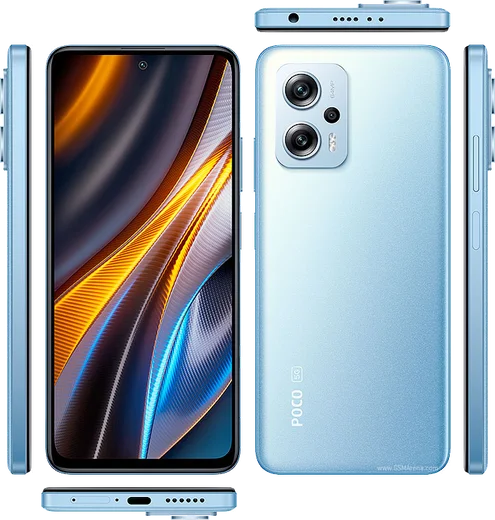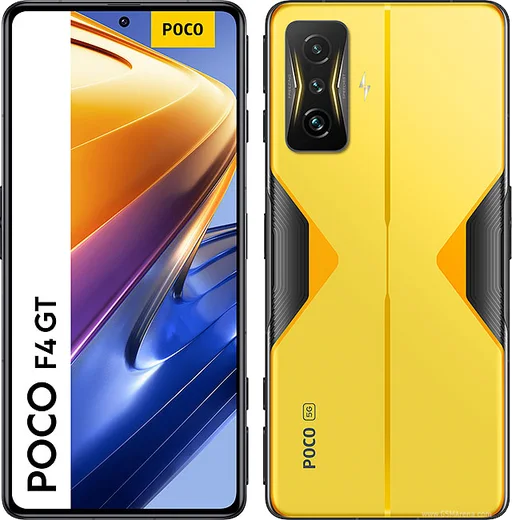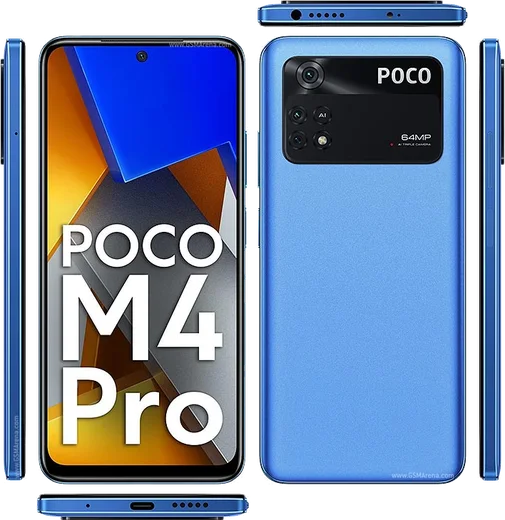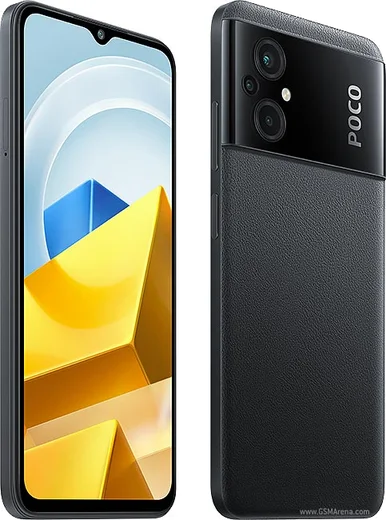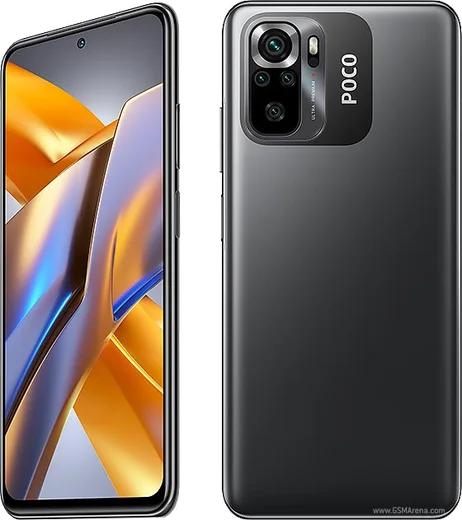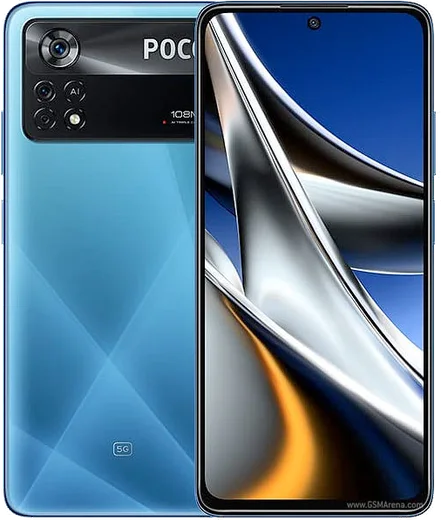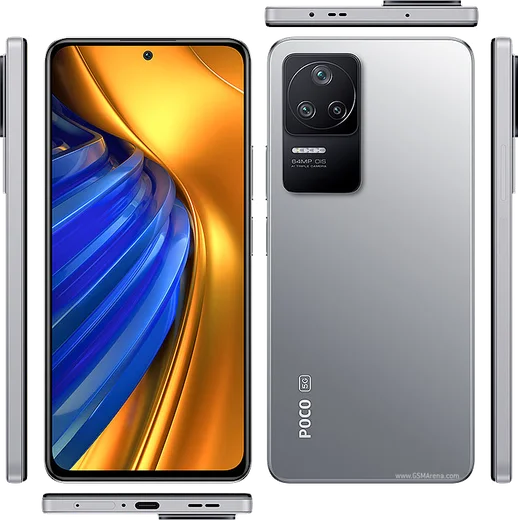
WhatsApp on Poco X4 GT
Poco Android

WhatsApp for Poco X4 GT

Dimensity 8100, 6.6-inch LCD 144Hz, 67W charging

WhatsApp Messenger 4.7 · 64.2M reviews Free · Android · ~40 MB · by WhatsApp LLC
Download WhatsApp

Ask a question / report a problem

You can ask any question about WhatsApp support on the Poco X4 GT — leave it below and we'll help.

Ask a question

Can the Poco X4 GT run WhatsApp?

Fully supported
  • Operating systemAndroid
  • ProcessorDimensity 8100
  • WhatsApp versionLatest supported

Latest known WhatsApp problems on Poco X4 GT

1

WhatsApp notifications don't show on the lock screen of my Poco X4 GT

Go to Settings > Notifications & Control Center > App notifications > WhatsApp, turn on the main toggle, then open Lock screen notifications and choose Show content. Next open Settings > Lock screen and make sure Notifications aren't set to hidden. Finally, in WhatsApp itself go to Settings > Notifications and enable Use high priority notifications so alerts appear on the lock screen. See how others solved this on Reddit
2

WhatsApp notifications on my Poco X4 GT are delayed and only arrive when I open the app

This is MIUI/HyperOS battery management suspending WhatsApp in the background. Go to Settings > Apps > Manage apps > WhatsApp > Battery saver and set it to No restrictions. Then open Recents, long-press the WhatsApp card and tap the lock icon so it isn't cleared. Together these stop the system from freezing WhatsApp, restoring instant push. See how others solved this on Reddit
3

I get no WhatsApp notifications at all on my Poco X4 GT until I unlock it

Enable Autostart so WhatsApp can wake on new messages: Settings > Apps > Permissions > Autostart, then toggle WhatsApp on. Next confirm Settings > Apps > Manage apps > WhatsApp > Notifications is fully enabled, and check that Do Not Disturb is turned off in the Control Center. See how others solved this on Reddit
4

After a HyperOS/MIUI update my Poco X4 GT stopped showing WhatsApp notifications

System updates often re-enable battery restrictions, so reapply them: Settings > Apps > Manage apps > WhatsApp > Battery saver > No restrictions, and re-check Settings > Apps > Permissions > Autostart. If notifications still don't fire, clear the app cache via Settings > Apps > Manage apps > WhatsApp > Clear data > Clear cache and reboot once so the notification channels rebuild. See how others solved this on Reddit
5

What's the correct way to set up WhatsApp notifications properly on a Poco X4 GT?

Set WhatsApp to No restrictions under Settings > Apps > Manage apps > WhatsApp > Battery saver, enable Autostart in Settings > Apps > Permissions > Autostart, and lock the WhatsApp card in the Recents screen. Then in WhatsApp go to Settings > Notifications and turn on Use high priority notifications so message, group, and call alerts all push reliably. See how others solved this on Reddit
6

WhatsApp notification banners don't pop up on screen on my Poco X4 GT even though the app works

The heads-up banner channel is likely off. Go to Settings > Notifications & Control Center > App notifications > WhatsApp > Messages and turn on Floating notifications (heads-up) along with Banner. Also enable Show notification icons under Settings > Notifications & Control Center so the status bar badge appears. See how others solved this on Reddit

Ask a question / report a problem

You can ask any question about WhatsApp support on the Poco X4 GT — leave it below and we'll help.

Ask a question

Watch: setting up WhatsApp

Prefer to watch? This short walkthrough shows the whole installation and number-verification flow.

How to install WhatsApp on Poco X4 GT — video walkthrough

How to install WhatsApp on Poco X4 GT

1

Choose how to download

On your Poco X4 GT you can get the official app two ways: from the Google Play Store — the easiest option, since it keeps WhatsApp updated automatically — or directly from the official website. You can download an APK file, by clicking a link “Download WhatsApp directly”.

2

Open WhatsApp

Launch WhatsApp from your home screen or app drawer and accept the Terms of Service to start setup.

3

Verify your phone number

Enter your phone number. If your Poco X4 GT uses dual SIM, pick the line you want WhatsApp tied to, then enter the 6-digit code it sends by SMS — it usually fills in automatically.

4

Restore chats and finish setup

Restore your chat history from Google Drive (use the same Google account), add your name and photo, and tap Allow for notifications so messages and calls arrive reliably.

Stay safe: only ever install WhatsApp from the official Android source. The Download button above already points there — modified copies (GB/Plus/Aero WhatsApp) can get your number banned.

Comments (10)

No registration needed. No email required.
R
rob_tinMay 2, 2026

So easy install on my x4 gt 😍

N
not_andyOct 12, 2025

endlich beste seite, sofort geklappt

M
mmmaaaxxxMar 25, 2025

Wow ha funzionato subito sul mio poco x4 gt

N
newbieJan 23, 2025

Wow got it working on my X4 GT first try ❤️

M
mmmaaaxxxDec 30, 2024

Guys great stuff, much appreciated thx

I
ivan_jesNov 8, 2024

Guys whyyy is this so hard pls help me get whatsapp pls

AppWhatsOfficialNov 11, 2024

No panic needed. The Download button takes you to the official app, then just install and verify your number. Reply here if you get stuck.

K
kate_leoOct 7, 2024

Ok so had whatsapp on my Poco X4 GT in no time ✌️

M
ms_ashSep 9, 2024

honestly had whatsapp on my Poco X4 GT in no time cheers

I
im_lucaJul 22, 2024

omg clear and to the point

F
finn21Jul 22, 2024

so my whatsapp had stopped working but this fixed it