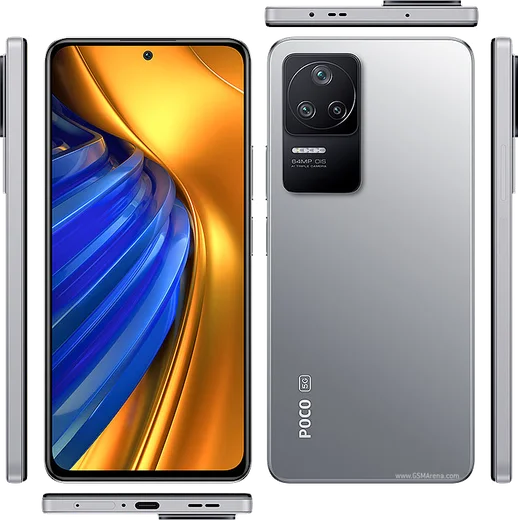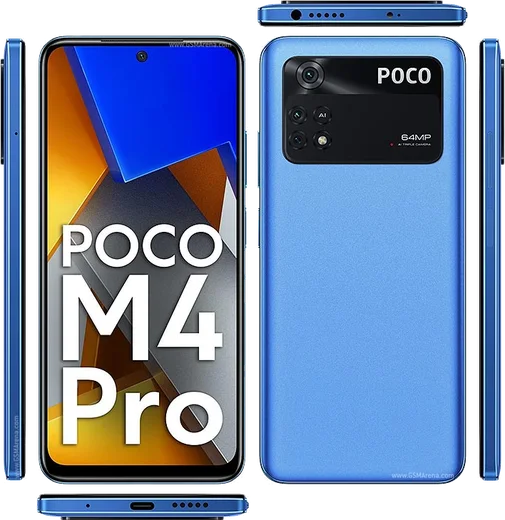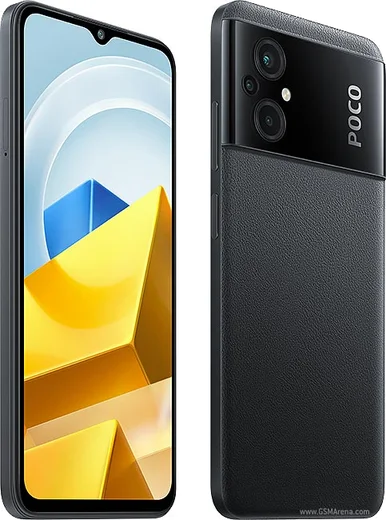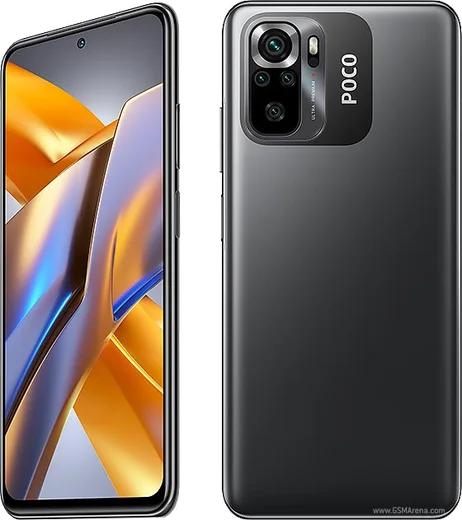
WhatsApp on Poco F4
Poco Android

WhatsApp for Poco F4

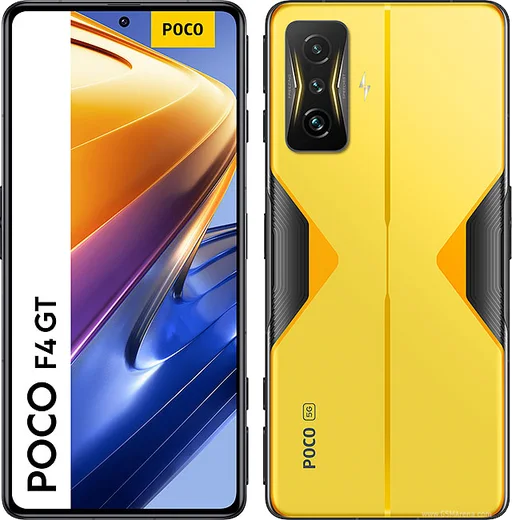
Snapdragon 870, 6.67-inch AMOLED 120Hz, 67W

WhatsApp Messenger 4.7 · 64.2M reviews Free · Android · ~40 MB · by WhatsApp LLC
Download WhatsApp

Ask a question / report a problem

You can ask any question about WhatsApp support on the Poco F4 — leave it below and we'll help.

Ask a question

Can the Poco F4 run WhatsApp?

Fully supported
  • Operating systemAndroid
  • ProcessorSnapdragon 870
  • WhatsApp versionLatest supported

Latest known WhatsApp problems on Poco F4

1

Why do WhatsApp calls fail to ring or connect on my Poco F4?

MIUI's aggressive battery management often kills WhatsApp in the background, which stops incoming calls from ringing. Go to Settings > Apps > Manage apps > WhatsApp, open Battery saver and set it to No restrictions, then enable Autostart. Back in the WhatsApp app-info screen, open Other permissions and allow 'Display pop-up windows while running in the background'. Finally confirm Microphone and notification permissions are granted under Permissions. See how others solved this on Reddit
2

WhatsApp call ringtones keep playing even when my Poco F4 is in Do Not Disturb mode. How do I stop it?

WhatsApp call notifications use their own channel and can ring through MIUI's DND. Open Settings > Sound & vibration > Do Not Disturb and review the exceptions under Calls/Apps so WhatsApp isn't allowed to bypass it. Then in WhatsApp go to Settings > Notifications and turn off the call ringtone, or silence its channel directly via Settings > Apps > Manage apps > WhatsApp > Notifications and set the Calls channel to silent. See how others solved this on Reddit
3

Why is the audio or microphone broken during WhatsApp calls on my Poco F4 running MIUI?

This is usually a revoked microphone permission or MIUI muting background mic access. Go to Settings > Apps > Manage apps > WhatsApp > Permissions and make sure Microphone is allowed, then clear WhatsApp's cache under Storage. If audio still cuts out, toggle the in-call speaker and disconnect any paired Bluetooth device that may be grabbing the audio route. See how others solved this on Reddit
4

I flashed a custom ROM (CrDroid) on my Poco F4 and WhatsApp shows an "unofficial device" or SafetyNet/Play Integrity error. How do I fix it?

Recent WhatsApp versions check Play Integrity, which fails on de-Googled or custom ROMs without certified Google services. With root, install a Play Integrity fix module via Magisk (such as PlayIntegrityFix) and reboot. If you only need the device certified, register your device's GSF/Google Services Framework ID at Google's uncertified-device registration page. As a temporary fallback, sideload an older WhatsApp APK that predates the integrity check. See how others solved this on Reddit
5

WhatsApp call notifications don't reach my Redmi/Xiaomi smartwatch paired with the Poco F4. What's wrong?

MIUI restricts notifications from apps it considers locked or battery-restricted, so they never get forwarded to the watch. In the Mi Fitness (or Zepp/Wear) app, enable app notifications for WhatsApp. On the phone, set WhatsApp's Battery saver to No restrictions and allow its notifications under Settings > Apps > Manage apps > WhatsApp > Notifications. Then open Recents, swipe down on WhatsApp's card to lock it so MIUI stops clearing it from memory. See how others solved this on Reddit

Ask a question / report a problem

You can ask any question about WhatsApp support on the Poco F4 — leave it below and we'll help.

Ask a question

Watch: setting up WhatsApp

Prefer to watch? This short walkthrough shows the whole installation and number-verification flow.

How to install WhatsApp on Poco F4 — video walkthrough

How to install WhatsApp on Poco F4

1

Choose how to download

On your Poco F4 you can get the official app two ways: from the Google Play Store — the easiest option, since it keeps WhatsApp updated automatically — or directly from the official website. You can download an APK file, by clicking a link “Download WhatsApp directly”.

2

Open WhatsApp

Launch WhatsApp from your home screen or app drawer and accept the Terms of Service to start setup.

3

Verify your phone number

Enter your phone number. If your Poco F4 uses dual SIM, pick the line you want WhatsApp tied to, then enter the 6-digit code it sends by SMS — it usually fills in automatically.

4

Restore chats and finish setup

Restore your chat history from Google Drive (use the same Google account), add your name and photo, and tap Allow for notifications so messages and calls arrive reliably.

Stay safe: only ever install WhatsApp from the official Android source. The Download button above already points there — modified copies (GB/Plus/Aero WhatsApp) can get your number banned.

Comments (6)

No registration needed. No email required.
D
deni.bNov 2, 2025

update my poco f4 has whatsapp now thanks to this

N
not_saraMay 31, 2025

omg the download was a bit slow but it worked :)

AppWhatsOfficialJun 1, 2025

That is great to hear!

O
omar_louMay 5, 2025

Man clear steps for the f4, cheers lol

M
mike_ashMar 13, 2025

so works like a charm on the poco f4 lol

T
tom_maxJan 12, 2025

Hat super funktioniert auf meinem f4 👍

G
guest_userDec 5, 2024

ugh plz heeeelp me how to download on my poco f4 🙏

AppWhatsOfficialDec 7, 2024

Take a breath, we got you. Press Download above, then Install, then verify your number. That is all it takes. You got this!