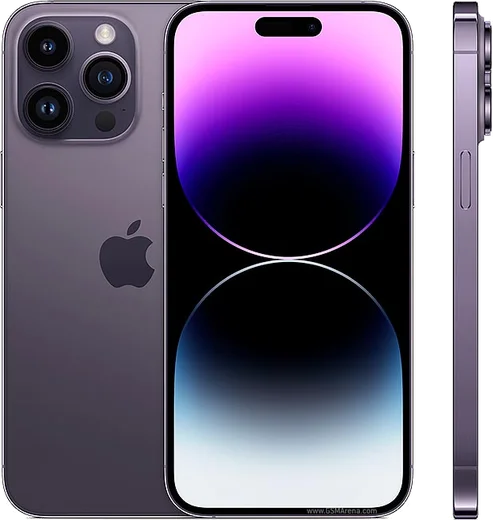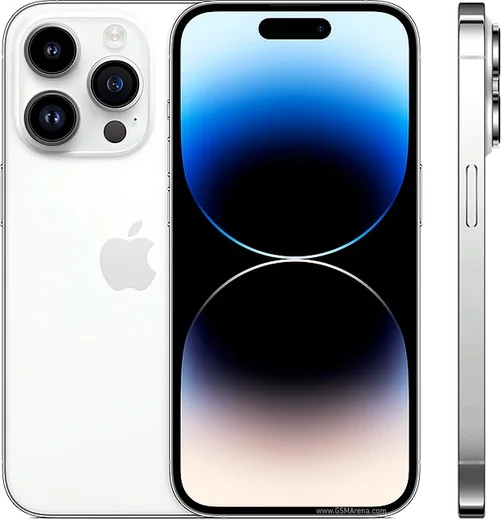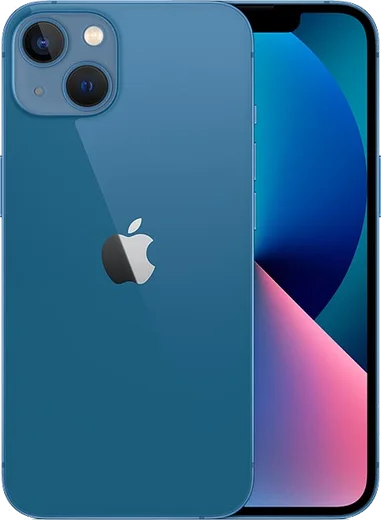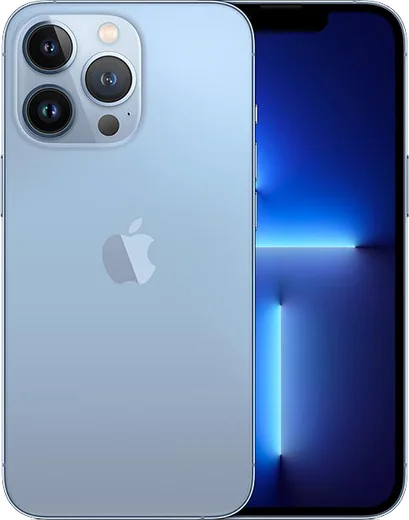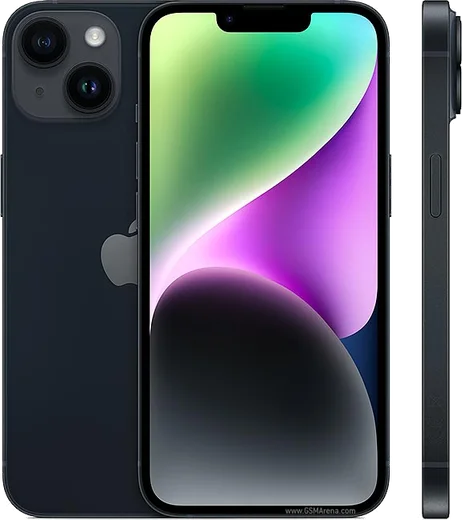
WhatsApp on iPhone 14 Pro Max
Apple iOS

WhatsApp for iPhone 14 Pro Max

Apple A16 Bionic, 6.7-inch OLED, 48MP camera

WhatsApp Messenger 4.7 · 64.2M reviews Free · iOS · ~40 MB · by WhatsApp LLC
Download WhatsApp

Ask a question / report a problem

You can ask any question about WhatsApp support on the iPhone 14 Pro Max — leave it below and we'll help.

Ask a question

Can the iPhone 14 Pro Max run WhatsApp?

Fully supported
  • Operating systemiOS
  • ProcessorApple A16 Bionic
  • WhatsApp versionLatest supported

Latest known WhatsApp problems on iPhone 14 Pro Max

1

Why are WhatsApp messages and calls not coming through on my iPhone 14 Pro Max?

Open Settings > Notifications > WhatsApp and make sure Allow Notifications, Lock Screen, Banners and Sounds are all on, then check Settings > Focus to confirm no Focus or Do Not Disturb mode is silencing it. Next open Settings > WhatsApp and turn on Background App Refresh so the app can receive messages and calls while it is closed. If calls still do not ring, confirm WhatsApp is allowed under Settings > Cellular and that Low Power Mode (Settings > Battery) is off, since it throttles background delivery. See how others solved this on Reddit
2

WhatsApp keeps crashing constantly on my iPhone 14 Pro Max, how do I fix it?

First update WhatsApp from the App Store and install any pending iOS update under Settings > General > Software Update, since most crash-on-launch loops are a version mismatch. If it still crashes, offload the app via Settings > General > iPhone Storage > WhatsApp > Offload App (this keeps your chats and data) and then reinstall it. If that fails, delete and reinstall WhatsApp and restore your chats from your latest iCloud backup during setup. See how others solved this on Reddit
3

WhatsApp is extremely slow every time I open the app on my iPhone 14 Pro Max

A bloated media cache is usually the cause, so go to WhatsApp Settings > Storage and Data > Manage Storage and delete large videos, GIFs and forwarded files from your biggest chats. Then in WhatsApp Settings > Storage and Data set Media Auto-Download to off for Photos, Audio, Video and Documents on both mobile and Wi-Fi, and force-close and relaunch the app so it stops re-syncing a huge media library on each open. See how others solved this on Reddit
4

WhatsApp is draining the battery fast on my iPhone 14 Pro Max

Open Settings > Battery and confirm WhatsApp's usage is mostly Background Activity, then open Settings > WhatsApp and turn off Background App Refresh if you do not need silent syncing. Inside WhatsApp go to Settings > Storage and Data > Media Auto-Download and set everything to off so the app stops downloading media in the background. Enabling Low Power Mode in Settings > Battery also reduces how often the app wakes the Pro Max. See how others solved this on Reddit
5

The screen goes black for about 5 seconds during WhatsApp calls on my iPhone 14 Pro Max (proximity sensor delay)

This is the proximity sensor being slow to wake the display after you move the phone away from your ear during a call. Remove any screen protector or case covering the top of the screen, clean the area around the front camera and earpiece, then restart the phone. If the lag persists, install the latest iOS via Settings > General > Software Update, as later iOS builds improved proximity-wake responsiveness on the 14 Pro Max. See how others solved this on Reddit
6

Why is there a delay or lag when opening the gallery to attach photos in WhatsApp on iPhone 14 Pro Max?

If you previously granted only Limited Access, WhatsApp has to re-check your selected photos each time the picker opens, which causes the lag. Go to Settings > WhatsApp > Photos and select Full Access so the picker no longer re-scans on every open. Then update WhatsApp from the App Store and restart the phone to clear the cached photo index. See how others solved this on Reddit

Ask a question / report a problem

You can ask any question about WhatsApp support on the iPhone 14 Pro Max — leave it below and we'll help.

Ask a question

Watch: setting up WhatsApp

Prefer to watch? This short walkthrough shows the whole installation and number-verification flow.

How to install WhatsApp on iPhone 14 Pro Max — video walkthrough

How to install WhatsApp on iPhone 14 Pro Max

1

Open the App Store

Unlock your iPhone 14 Pro Max and tap the blue App Store icon on the Home Screen. WhatsApp is not preinstalled on any iPhone, so you install it from here.

2

Search for WhatsApp Messenger

Tap the Search tab at the bottom right, type WhatsApp Messenger, and confirm the publisher shows as WhatsApp Inc. so you don't download a copycat app.

3

Download and install

Tap Get, then authenticate with Face ID or Touch ID (or your Apple Account password). The app downloads to your Home Screen in a few seconds.

4

Verify your phone number

Open WhatsApp, accept the terms, and enter your phone number. If your iPhone 14 Pro Max uses dual SIM, pick the line you want WhatsApp tied to, then enter the 6-digit code it sends by SMS — it usually fills in automatically.

5

Restore chats and finish setup

Sign in to iCloud with the same Apple Account to restore an existing chat backup, add your name and photo, and tap Allow for notifications so messages and calls arrive reliably.

Stay safe: only ever install WhatsApp from the official iOS source. The Download button above already points there — modified copies (GB/Plus/Aero WhatsApp) can get your number banned.

Comments (17)

No registration needed. No email required.
J
just_lucyJun 1, 2026

wow had whatsapp on my iphone 14promax in no time cheers

A
ahmedApr 24, 2026

أفضل موقع، اشتغل من أول مرة 🙏

K
kev21Feb 23, 2026

Well works like a charm on the iPhone 14 Pro Max ❤️

G
greg.kDec 19, 2025

endlich sehr einfach, in 2 minuten erledigt

G
gabe37Nov 19, 2025

semplicissimo, tutto pronto 😍

N
nina32Oct 7, 2025

hi how do i hide my last seen pls

AppWhatsOfficialOct 13, 2025

In Privacy settings you can set Last Seen and Online to Nobody, so no one sees when you are active.

N
nick_proOct 1, 2025

Wasnt expecting it to be this easy thanks again

H
helpmeAug 25, 2025

Someone my whole family is waiting pls help me install it

AppWhatsOfficialAug 27, 2025

We are here to help. Hit Download, follow the steps on this page, and if the code is slow just request it again. You will be set up on your phone in no time.

T
tom29Jul 4, 2025

perfect, exactly what i needed

F
finn24Jun 8, 2025

two thumbs up

N
noah_ytMay 6, 2025

Finally smooth install on the iphone 14promax

N
newbieMar 31, 2025

i had to enable unknown sources but then it was fine

K
kai_mikMar 28, 2025

ngl everything working now

I
ivan2000Feb 10, 2025

Well all good on my iphone 14promax now

I
its_jayNov 1, 2024

guys 10 out of 10

B
bea.mAug 18, 2024

guys works like a charm on the iphone 14 pro max

G
gabe53Jul 17, 2024

El mejor sitio, funcionó a la primera