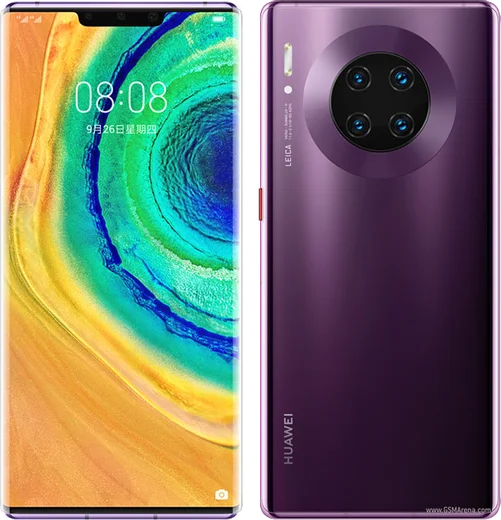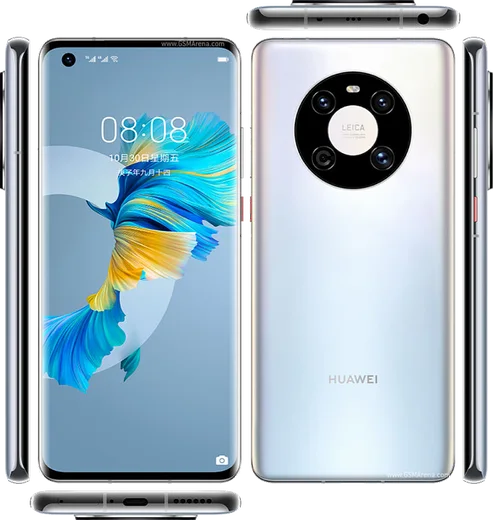
Huawei HarmonyOS

WhatsApp for Huawei Nova 7

Kirin 985 5G, 6.53-inch OLED, 64MP quad camera

WhatsApp Messenger 4.7 · 64.2M reviews Free · HarmonyOS · ~40 MB · by WhatsApp LLC
Download WhatsApp

Ask a question / report a problem

You can ask any question about WhatsApp support on the Huawei Nova 7 — leave it below and we'll help.

Ask a question

Can the Huawei Nova 7 run WhatsApp?

Fully supported
  • Operating systemHarmonyOS
  • ProcessorKirin 985 5G
  • WhatsApp versionLatest supported

Latest known WhatsApp problems on Huawei Nova 7

1

How do I install WhatsApp on my Huawei Nova 7 without Google Play?

The Nova 7 runs without Google Mobile Services, so open AppGallery and search for WhatsApp first. If it isn't available in your region, download the APK directly from whatsapp.com/android using the built-in browser, then allow installation from that source when your phone prompts you (you'll be asked to permit installing unknown apps from the browser). Open the downloaded file to finish installing and verify your number. See how others solved this on Reddit
2

WhatsApp suddenly stopped working on my Huawei Nova 7, how do I fix it?

This is usually an outdated build that WhatsApp's servers no longer support. Update WhatsApp through AppGallery if an update is offered there; if not, uninstall and reinstall the latest APK from whatsapp.com, then verify your number so your chats restore from the local backup. Also make sure WhatsApp can run in the background: go to Settings > Battery > App launch, find WhatsApp, and switch it to Manage manually with auto-launch and background activity enabled so the system doesn't kill it. See how others solved this on Reddit
3

WhatsApp says I don't have the official app on my Nova 7 - what's wrong?

This warning appears when you've installed a modified or cloned version (such as GBWhatsApp) instead of the genuine app. Uninstall the current copy completely, then reinstall only from AppGallery or the official whatsapp.com download so the app passes WhatsApp's integrity check. Your local chat backup will be detected and restored when you verify your number during the fresh setup. See how others solved this on Reddit
4

Can I install both WhatsApp and WhatsApp Business on my Huawei Nova 7?

Yes, both can run side by side as long as each uses a different phone number. Install standard WhatsApp first, then add WhatsApp Business from AppGallery or its official APK. Alternatively, to run two accounts of the same WhatsApp app, use the Nova 7's built-in App Twin feature under Settings > Apps > App Twin to clone WhatsApp for a second number. See how others solved this on Reddit
5

How do I transfer my WhatsApp chats from an old Huawei to my Nova 7?

Because there's no Google Drive backup here, the transfer relies on a local backup file. On the old phone go to WhatsApp > Settings > Chats > Chat backup and create a fresh local backup, then copy the WhatsApp folder (including the Databases folder) from internal storage to the Nova 7 using Huawei Phone Clone or a USB cable. Install WhatsApp on the Nova 7, verify the same number, and it will detect and restore that local backup. See how others solved this on Reddit
6

How do I move my WhatsApp data from my Huawei Nova 7 to a different brand phone?

Moving between a Huawei and a non-Huawei Android phone is awkward because there's no Google Drive backup to sync, so a cloud restore won't happen automatically. The reliable route is to copy the Nova 7's WhatsApp folder, including the Databases folder, to the new phone's internal storage in the same WhatsApp location, then install WhatsApp there and verify the same number so it restores from that local database. As a safety net, export individual important chats via the chat's menu > More > Export chat before you switch. See how others solved this on Reddit

Ask a question / report a problem

You can ask any question about WhatsApp support on the Huawei Nova 7 — leave it below and we'll help.

Ask a question

Watch: setting up WhatsApp

Prefer to watch? This short walkthrough shows the whole installation and number-verification flow.

How to install WhatsApp on Huawei Nova 7 — video walkthrough

How to install WhatsApp on Huawei Nova 7

1

Open Huawei AppGallery

On your Huawei Nova 7, tap the AppGallery icon — Huawei's own app store. Newer Huawei phones ship without Google Play, so AppGallery is where you get WhatsApp.

2

Search for WhatsApp

Search WhatsApp Messenger in AppGallery and confirm it's published by WhatsApp LLC. If it isn't offered in your region, use Petal Search to download the official app.

3

Install the app

Tap Install. AppGallery downloads and installs WhatsApp; if prompted, allow installing the app so it can finish.

4

Verify your phone number

Open WhatsApp, accept the terms, and enter your phone number. On a dual-SIM Huawei Nova 7, pick the line you want WhatsApp tied to, then enter the 6-digit code it sends by SMS.

5

Allow notifications and background activity

Add your name and photo, tap Allow for notifications, then open Settings > Battery and let WhatsApp auto-launch and run in the background so messages arrive on time on HarmonyOS.

Stay safe: only ever install WhatsApp from the official HarmonyOS source. The Download button above already points there — modified copies (GB/Plus/Aero WhatsApp) can get your number banned.

Comments (7)

No registration needed. No email required.
J
jay.hFeb 13, 2026

guys i been trying since morning pleaseee how to install on Huawei Nova 7 pls

AppWhatsOfficialFeb 16, 2026

Breathe! Follow the steps above one by one, tap Download first, and you will be chatting in no time. Reply here if you get stuck.

K
kai.vOct 19, 2025

Wow works like a charm on the nova 7 😍

L
lina75Oct 5, 2025

omg even my grandma could do this

X
xX_ashJul 31, 2025

Finalmente tutto funziona sul mio Huawei Nova 7, mille grazie 🎉

G
gabe.bJan 22, 2025

yo clear and to the point

W
whyyyyyNov 27, 2024

Yo this actually works unlike others lol

I
its_louSep 15, 2024

yo couldnt be easier cheers