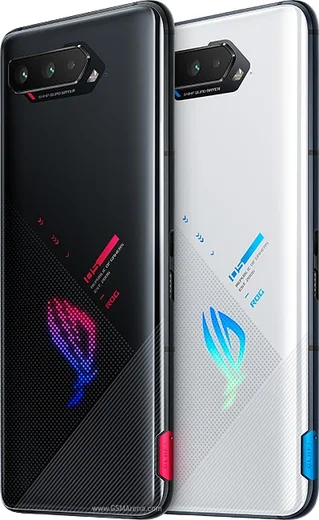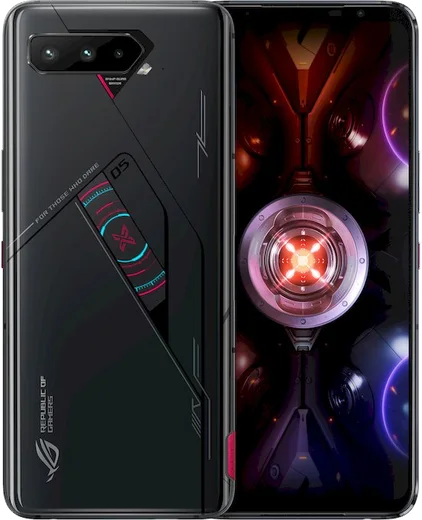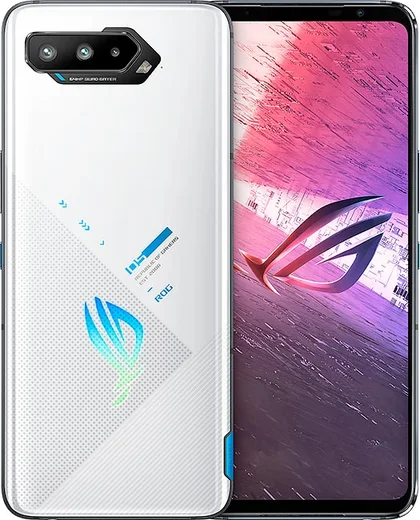
WhatsApp on Asus ROG Phone 5
Asus Android

WhatsApp for Asus ROG Phone 5

Snapdragon 888, 6.78-inch 144Hz AMOLED, dual battery

WhatsApp Messenger 4.7 · 64.2M reviews Free · Android · ~40 MB · by WhatsApp LLC
Download WhatsApp

Ask a question / report a problem

You can ask any question about WhatsApp support on the Asus ROG Phone 5 — leave it below and we'll help.

Ask a question

Can the Asus ROG Phone 5 run WhatsApp?

Fully supported
  • Operating systemAndroid
  • ProcessorSnapdragon 888
  • WhatsApp versionLatest supported

Latest known WhatsApp problems on Asus ROG Phone 5

1

Why does WhatsApp keep getting killed in the background on my ROG Phone 5?

Asus's aggressive battery and memory management shuts down WhatsApp when the screen is off, which delays calls and messages. Go to Settings > Apps > WhatsApp > Battery (or App battery usage) and set it to Unrestricted. Then open the Mobile Manager / Auto-start manager app and enable auto-start for WhatsApp so it can run in the background. Also avoid the system battery saver while you are waiting for messages. See how others solved this on Reddit
2

WhatsApp notifications stopped working after an Android update on my ROG Phone 5, how do I fix it?

Asus firmware updates can reset notification permissions and re-apply battery restrictions for apps. Go to Settings > Apps > WhatsApp > Notifications and confirm every category is on, then set Battery to Unrestricted under the same app menu. Clearing WhatsApp's cache via Settings > Apps > WhatsApp > Storage usage > Clear cache usually restores delayed notifications without losing chats. See how others solved this on Reddit
3

My WhatsApp photos and videos look blurry or low quality on the ROG Phone 5, can I fix that?

WhatsApp compresses media heavily by default, which causes the soft look rather than the camera itself. In WhatsApp open Settings > Storage and data > Media upload quality and set it to HD (Best quality), and when sending a single photo tap the HD icon at the top before sending. For full resolution, attach the file as a Document instead of from the gallery. See how others solved this on Reddit
4

How do I move my WhatsApp chats to a new phone now that Asus has stopped supporting the ROG Phone 5?

Back up first since the device still runs Google services: in WhatsApp go to Settings > Chats > Chat backup and tap Back up to Google Drive using your Google account. On the new Android phone, install WhatsApp, verify the same number, and restore from Google Drive when prompted. Both phones should use the same Google account and be on Wi-Fi for the restore to appear. See how others solved this on Reddit
5

WhatsApp calls drop or lag when I'm gaming in X Mode / Game Genie on my ROG Phone 5, why?

X Mode and the Game Genie controls can limit background apps to prioritize the game, which cuts WhatsApp calls. Swipe in the Game Genie overlay during a game and make sure Block calls and Block notifications are turned off. Then in Settings > Apps > WhatsApp > Mobile data and Wi-Fi, enable background data so the connection stays alive during play. See how others solved this on Reddit
6

WhatsApp crashes or freezes randomly on my ROG Phone 5, what should I try?

These crashes usually come from a stale cache or an outdated build after a system update. Update WhatsApp in the Play Store, then clear its cache via Settings > Apps > WhatsApp > Storage usage > Clear cache (do not clear data, as that removes chats). If it persists, restart the phone and make sure both Android and WhatsApp are on the latest version available for the device. See how others solved this on Reddit

Ask a question / report a problem

You can ask any question about WhatsApp support on the Asus ROG Phone 5 — leave it below and we'll help.

Ask a question

Watch: setting up WhatsApp

Prefer to watch? This short walkthrough shows the whole installation and number-verification flow.

How to install WhatsApp on Asus ROG Phone 5 — video walkthrough

How to install WhatsApp on Asus ROG Phone 5

1

Choose how to download

On your Asus ROG Phone 5 you can get the official app two ways: from the Google Play Store — the easiest option, since it keeps WhatsApp updated automatically — or directly from the official website. You can download an APK file, by clicking a link “Download WhatsApp directly”.

2

Open WhatsApp

Launch WhatsApp from your home screen or app drawer and accept the Terms of Service to start setup.

3

Verify your phone number

Enter your phone number. If your Asus ROG Phone 5 uses dual SIM, pick the line you want WhatsApp tied to, then enter the 6-digit code it sends by SMS — it usually fills in automatically.

4

Restore chats and finish setup

Restore your chat history from Google Drive (use the same Google account), add your name and photo, and tap Allow for notifications so messages and calls arrive reliably.

Stay safe: only ever install WhatsApp from the official Android source. The Download button above already points there — modified copies (GB/Plus/Aero WhatsApp) can get your number banned.

Comments (7)

No registration needed. No email required.
J
jay21Apr 23, 2026

worked perfect on my Asus ROG Phone 5

M
mike22Nov 30, 2025

whatsapp works fine on my rog phone 5 👌

B
big_alexOct 3, 2025

got it working on my rog phone 5 first try

G
gamerxJun 12, 2025

Uff gracias, mi Asus ROG Phone 5 ya tiene whatsapp

J
joe_mikMay 9, 2025

worked even on my old phone 👌

M
mia_proDec 8, 2024

Omg cant do this alone HELP how do i download 🙏

AppWhatsOfficialDec 10, 2024

Don't worry, you can do this! Use the Download button, install the app, and enter your number to verify.

N
nightowlOct 17, 2024

ok so whatsapp finally on my Asus ROG Phone 5 thx