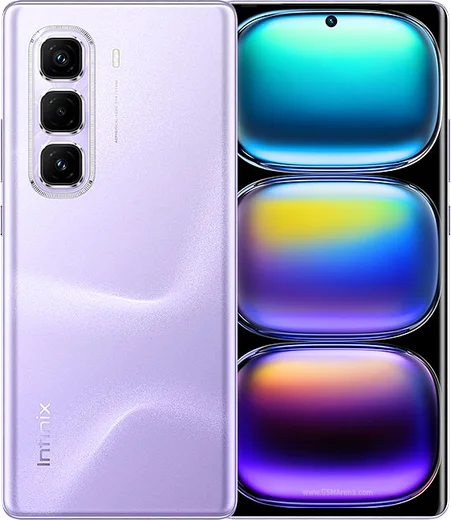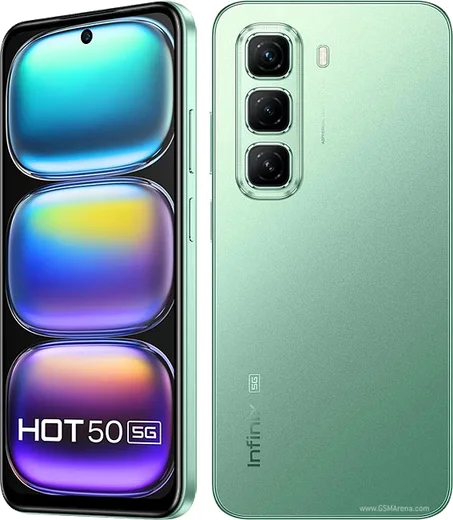
WhatsApp on Infinix Hot 50 Pro+
Infinix Android

WhatsApp for Infinix Hot 50 Pro+

Helio G100, 6.78-inch curved 120Hz AMOLED

WhatsApp Messenger 4.7 · 64.2M reviews Free · Android · ~40 MB · by WhatsApp LLC
Download WhatsApp

Ask a question / report a problem

You can ask any question about WhatsApp support on the Infinix Hot 50 Pro+ — leave it below and we'll help.

Ask a question

Can the Infinix Hot 50 Pro+ run WhatsApp?

Fully supported
  • Operating systemAndroid
  • ProcessorHelio G100
  • WhatsApp versionLatest supported

Latest known WhatsApp problems on Infinix Hot 50 Pro+

1

WhatsApp notifications stop coming on my Infinix Hot 50 Pro+ until I open the app — how do I fix the delayed messages?

This is XOS aggressive battery management killing WhatsApp in the background. Go to Settings > Apps > WhatsApp > Battery and set it to 'No restrictions' (or 'Allow background activity'), then open the Phone Master app and add WhatsApp to the protected/whitelisted apps so it isn't force-closed. Also turn off any 'Power saving' or 'Smart power' profile under Settings > Battery, since these throttle messaging apps until you manually open them. See how others solved this on Reddit
2

I keep getting an annoying WhatsApp bug where the keyboard or message screen glitches on my Infinix Hot 50 Pro+ — what should I do?

Most of these glitches come from a stale WhatsApp cache or an outdated build on XOS. First clear the cache via Settings > Apps > WhatsApp > Storage > Clear cache (don't pick Clear data, that wipes chats), then update WhatsApp from the Play Store. If the glitch is tied to your keyboard, switch the default keyboard under Settings > System > Languages & input > On-screen keyboard, since the preinstalled keyboard often misbehaves inside WhatsApp. See how others solved this on Reddit
3

Does the Infinix Hot 50 Pro+ have built-in WhatsApp call recording, and how do I record a WhatsApp call?

Infinix's XOS does not include a native, reliable WhatsApp call recorder, and Android blocks apps from capturing the other party's voice on standard VoIP calls, so any built-in option usually records only your side. The dependable workaround is to use the system screen recorder (swipe down the Quick Settings panel and tap Screen Record) with internal audio enabled before you start the WhatsApp call. Be aware that recording calls without consent may be restricted by law in your region. See how others solved this on Reddit
4

My Infinix Hot 50 Pro+ came with a lot of bloatware and ads in system apps — how do I stop them so the phone runs cleaner?

XOS ships with preloaded apps and ad placements that you can mostly disable. Go to Settings > Apps, open the unwanted apps (like Palm Store, Phone Master, the preinstalled news/browser apps) and tap Disable or Uninstall where allowed, and inside Phone Master turn off the ad/recommendation toggles. To cut ads in the notification shade, go to Settings > Notifications & status bar and revoke notification permission for those system apps. See how others solved this on Reddit
5

After a software update my Infinix Hot 50 Pro+ started having new problems with apps crashing and lag — what can I do?

XOS updates sometimes ship bugs that hit performance and app stability. First restart the phone to clear stale state, then update your core apps including WhatsApp from the Play Store so they match the new OS build. If lag or crashes persist, back up your chats to Google Drive (WhatsApp > Settings > Chats > Chat backup) and do a factory reset via Settings > System > Reset options, which clears the messy state left behind by the update. See how others solved this on Reddit
6

Is the Infinix Hot 50 Pro+ reliable as a secondary phone for WhatsApp and daily messaging?

It handles WhatsApp, calls and light multitasking fine, but the same XOS background-killing means you should set it up correctly first. Lock WhatsApp in the recent-apps view and set Settings > Apps > WhatsApp > Battery to 'No restrictions' so messages keep arriving on a phone you check less often. Also enable WhatsApp's two-step verification (WhatsApp > Settings > Account > Two-step verification) and confirm it's linked to the correct number under WhatsApp > Settings > Account. See how others solved this on Reddit

Ask a question / report a problem

You can ask any question about WhatsApp support on the Infinix Hot 50 Pro+ — leave it below and we'll help.

Ask a question

Watch: setting up WhatsApp

Prefer to watch? This short walkthrough shows the whole installation and number-verification flow.

How to install WhatsApp on Infinix Hot 50 Pro+ — video walkthrough

How to install WhatsApp on Infinix Hot 50 Pro+

1

Choose how to download

On your Infinix Hot 50 Pro+ you can get the official app two ways: from the Google Play Store — the easiest option, since it keeps WhatsApp updated automatically — or directly from the official website. You can download an APK file, by clicking a link “Download WhatsApp directly”.

2

Open WhatsApp

Launch WhatsApp from your home screen or app drawer and accept the Terms of Service to start setup.

3

Verify your phone number

Enter your phone number. If your Infinix Hot 50 Pro+ uses dual SIM, pick the line you want WhatsApp tied to, then enter the 6-digit code it sends by SMS — it usually fills in automatically.

4

Restore chats and finish setup

Restore your chat history from Google Drive (use the same Google account), add your name and photo, and tap Allow for notifications so messages and calls arrive reliably.

Stay safe: only ever install WhatsApp from the official Android source. The Download button above already points there — modified copies (GB/Plus/Aero WhatsApp) can get your number banned.

Comments (13)

No registration needed. No email required.
S
sara_gabFeb 10, 2026

man perfect steps for the hot50pro+ thx

L
lou89Feb 5, 2026

Endlich whatsapp installiert 🎉

N
newbieJan 14, 2026

ok so no annoying ads which is nice

H
helpmeJan 9, 2026

guys got it working on my hot 50 Pro+ first try 🔥

K
kev96Dec 12, 2025

whatsapp finally on my hot50pro+ ✌️

A
apploverSep 12, 2025

hey been at this for hours pls someone help me

AppWhatsOfficialSep 14, 2025

No panic needed. The Download button takes you to the official app, then just install and verify your number. Reply here if you get stuck.

E
eeeeeemmmmmaaaaaAug 29, 2025

Omg no problems installing on my Hot 50 Pro+

L
lina22May 8, 2025

is the hot 50 Pro+ compatible with whatsapp ?

AppWhatsOfficialMay 11, 2025

Thanks for asking, absolutely, the your phone is supported. Follow the steps above and you will be chatting in minutes. Glad to help.

N
noah_tomMar 19, 2025

Restarted the phone and then it installed

F
finn.rFeb 6, 2025

Finally super easy to follow :)

K
khaledDec 16, 2024

أخيراً أفضل شرح شكراً

M
mr_robOct 6, 2024

No registration needed, love that

T
techguySep 13, 2024

por fin súper sencillo, ya está listo