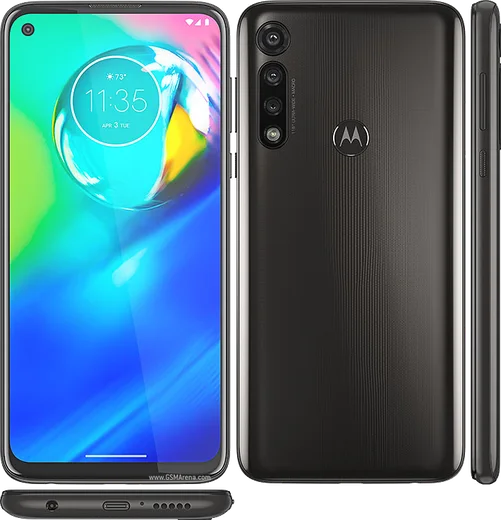
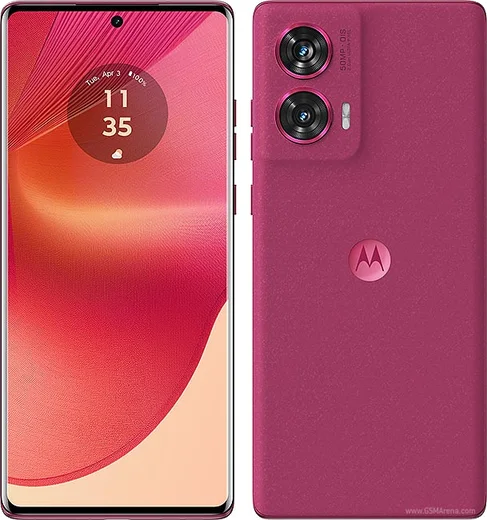
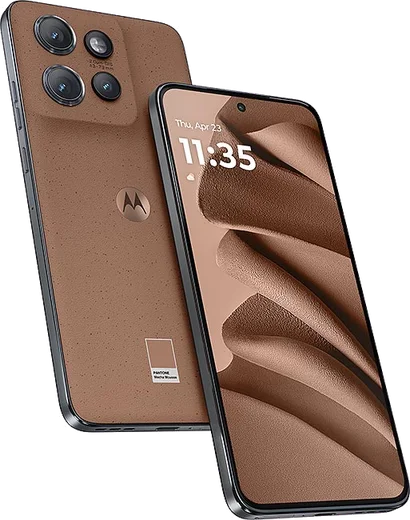
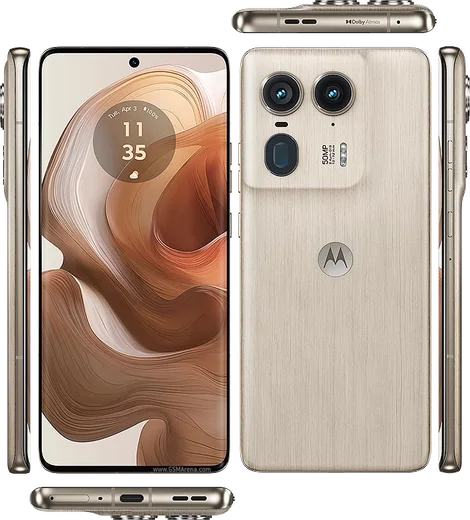
WhatsApp on Motorola Moto G Power (2024)
Motorola Android

WhatsApp for Motorola Moto G Power (2024)

Dimensity 7020, 6.7-inch 120Hz, 5000mAh

WhatsApp Messenger 4.7 · 64.2M reviews Free · Android · ~40 MB · by WhatsApp LLC
Download WhatsApp

Ask a question / report a problem

You can ask any question about WhatsApp support on the Motorola Moto G Power (2024) — leave it below and we'll help.

Ask a question

Can the Motorola Moto G Power (2024) run WhatsApp?

Fully supported
  • Operating systemAndroid
  • ProcessorDimensity 7020
  • WhatsApp versionLatest supported

Latest known WhatsApp problems on Motorola Moto G Power (2024)

1

Why does my Moto G Power (2024) take yellow or warm-tinted photos?

This is a known auto white-balance issue on the 2024 Moto G models where the camera over-warms indoor and low-light shots. Open the Camera app, tap the settings gear, and turn off any 'AI' or scene-optimization toggle, then tap the screen on a neutral white or gray object before shooting so the camera re-locks white balance. If it persists, go to Settings > Apps > Camera > Storage and clear the cache, and make sure the camera app is updated through the Play Store. See how others solved this on Reddit
2

My Moto G Power feels slow and laggy - how do I fix the performance?

Free up storage first, since these phones throttle hard once internal memory fills past about 80 percent: go to Settings > Storage and clear cached files plus large unused apps. Then open Settings > About phone, tap Build number seven times to unlock Developer options, go back into it, and set Window, Transition, and Animator animation scales to 0.5x to make the UI feel snappier. Finally check Settings > Apps for any third-party launcher or background app draining RAM and disable autostart for ones you don't need. See how others solved this on Reddit
3

Images won't download automatically in WhatsApp on my Moto G Power - how do I fix it?

This is almost always Motorola's battery optimization pausing WhatsApp in the background. Go to Settings > Apps > WhatsApp > Battery and set it to Unrestricted (not Optimized), then inside WhatsApp open Settings > Storage and data > Media auto-download and enable photos for Mobile data, Wi-Fi, and Roaming. Also confirm WhatsApp has Files/Media permission under Settings > Apps > WhatsApp > Permissions so it can write to storage. See how others solved this on Reddit
4

Callers say my microphone cuts out during calls on my Moto G - what's wrong?

If others can't hear you mid-call, the noise-suppression or a third-party app grabbing the mic is usually the cause. Go to Settings > Apps > See all apps, tap the three-dot menu, and check which apps hold Microphone permission, then revoke it from any voice or recording app you don't use. Test in Safe Mode (hold power, then long-press Restart) to rule out a rogue app, and if it only happens in WhatsApp or Messenger, clear that app's cache under Settings > Apps; a hardware mic fault needs Motorola service if Safe Mode doesn't fix it. See how others solved this on Reddit
5

Does the Moto G Power (2024) come with a stylus, and can I use one?

No - the regular Moto G Power (2024) does not have a built-in stylus silo; that feature belongs to the separate Moto G Stylus 5G (2024). The G Power's screen does work with any generic capacitive/passive stylus you can buy cheaply, but there's no slot to store it and no palm-rejection or note-taking integration. If you specifically want the docked stylus and Moto Note app experience, you need the Moto G Stylus model instead. See how others solved this on Reddit
6

How do I move my mom's apps, contacts, and photos to a new Moto G Power?

During the new phone's setup, choose 'Copy from another device' and use a USB-C cable between the two phones, or restore from Google when you sign into her Google account - contacts, app list, and Wi-Fi passwords come back automatically. For photos, make sure Google Photos backup was on the old phone (Photos app > profile picture > Photos settings > Backup), then sign in on the Moto G Power and they'll sync down. WhatsApp chats need their own step: back up to Google Drive in WhatsApp on the old phone first, then restore when installing WhatsApp on the new one with the same number. See how others solved this on Reddit

Ask a question / report a problem

You can ask any question about WhatsApp support on the Motorola Moto G Power (2024) — leave it below and we'll help.

Ask a question

Watch: setting up WhatsApp

Prefer to watch? This short walkthrough shows the whole installation and number-verification flow.

How to install WhatsApp on Motorola Moto G Power (2024) — video walkthrough

How to install WhatsApp on Motorola Moto G Power (2024)

1

Choose how to download

On your Motorola Moto G Power (2024) you can get the official app two ways: from the Google Play Store — the easiest option, since it keeps WhatsApp updated automatically — or directly from the official website. You can download an APK file, by clicking a link “Download WhatsApp directly”.

2

Open WhatsApp

Launch WhatsApp from your home screen or app drawer and accept the Terms of Service to start setup.

3

Verify your phone number

Enter your phone number. If your Motorola Moto G Power (2024) uses dual SIM, pick the line you want WhatsApp tied to, then enter the 6-digit code it sends by SMS — it usually fills in automatically.

4

Restore chats and finish setup

Restore your chat history from Google Drive (use the same Google account), add your name and photo, and tap Allow for notifications so messages and calls arrive reliably.

Stay safe: only ever install WhatsApp from the official Android source. The Download button above already points there — modified copies (GB/Plus/Aero WhatsApp) can get your number banned.

Comments (10)

No registration needed. No email required.
A
andy_theJun 12, 2026

Quick q where do i change my profile photo ?

AppWhatsOfficialJun 16, 2026

Sure, head to Settings, tap your name, then the camera icon to choose your profile photo. Enjoy WhatsApp on your your phone!

M
mia.oMay 6, 2026

tout fonctionne sur mon motorola moto g power, merci beaucoup 🎉

N
noah37Apr 13, 2026

Anyone? my phone is a few years old will it work pls

AppWhatsOfficialApr 15, 2026

No worries, if the store lets you install it, you are supported. Very old systems may eventually lose support though. Reach out anytime.

I
im_leoMar 10, 2026

Update whatsapp finally on my gpower 👌

M
mr_noahJan 26, 2026

ngl the Moto G Power steps actually work unlike other sites thx

AppWhatsOfficialJan 27, 2026

Nice one, enjoy WhatsApp!

S
sam.oJan 26, 2026

honestly couldnt be easier

T
tom_xXJan 6, 2026

Update had whatsapp on my moto gpower in no time ✌️

K
kev.dNov 14, 2025

Ugh im so confused someone help meeee

AppWhatsOfficialNov 17, 2025

Breathe! Follow the steps above one by one, tap Download first, and you will be chatting in no time.

J
joe_xXAug 11, 2025

finalmente grazie, il mio g power ora ha whatsapp

X
xX_jayJan 22, 2025

wow the download was a bit slow but it worked